
Best Frontify alternatives for AI and agent workflows
Seven Frontify alternatives, grouped by what you need instead: brand context your agents call for each task, a different DAM, controlled templates or public company data. What each gives AI agents as of October 2026, and how to start from what's already in Frontify.
TL;DR
If AI assistants or your product make branded work every week, move that work to Rainbrand: it gives each task the guidance and files it needs and checks the result. Your agent can read your guidelines and files through Frontify MCP to add the brand. For another digital asset management (DAM) system, compare Bynder, Brandfolder and Canto; for templates, Canva or Marq; for other companies’ public data, Brandfetch.
Decide what you would stop using Frontify for
“An alternative to Frontify” can mean replacing the brand portal people read, moving the asset library or changing how agents use the brand. Moving a library means migrating files, permissions, metadata and every link to the portal; moving agent work only needs the guidelines and the files those agents use.
| What you need to change | Shortlist | What you move |
|---|---|---|
| How agents do recurring brand work | Rainbrand | Guidelines and the files agents use |
| Enterprise asset governance | Bynder, Brandfolder, Canto | Files, permissions, metadata and links |
| Controlled collateral production | Canva, Marq | Templates and the assets they use |
| Public data about other companies | Brandfetch | Nothing; it looks up what companies already publish |
Each product is shortlisted for the need it serves, and we recommend Rainbrand for the first row. What we say about the other products comes from their documentation as of October 28, 2026.
For agent work, start with Rainbrand
Frontify MCP, Frontify’s server for the Model Context Protocol (MCP), the open standard assistants use to call other tools, costs nothing extra once an admin switches it on. Its default pack lets Claude, ChatGPT and other assistants read guidelines, assets, colours, fonts and templates; other packs add uploads, comments and template exports. Frontify’s prompting guide says the Content API behind it “doesn't yet support semantic search”, so you name the brand and guideline you mean. Deciding which rules matter for the task, and checking a draft against them, stays with the agent.
Rainbrand starts from the task instead:
- It maintains each brand from sources the team already has, such as its published guidelines, logos and photography.
- An agent describes what it’s making and requests a Brief: the guidance and files for that work, with instructions for using them.
- After making the work with its own tools, it requests a Review, a separate check with a verdict and reason for each point.
Changes go through an edit that Rainbrand prepares and you inspect before applying.
Graza sells olive oil in squeeze bottles: Drizzle, for finishing, and Sizzle, for cooking. When Claude generated a photograph of the two bottles beside tomatoes in Higgsfield, an image-generation platform, the Brief returned three of Graza’s images as references:
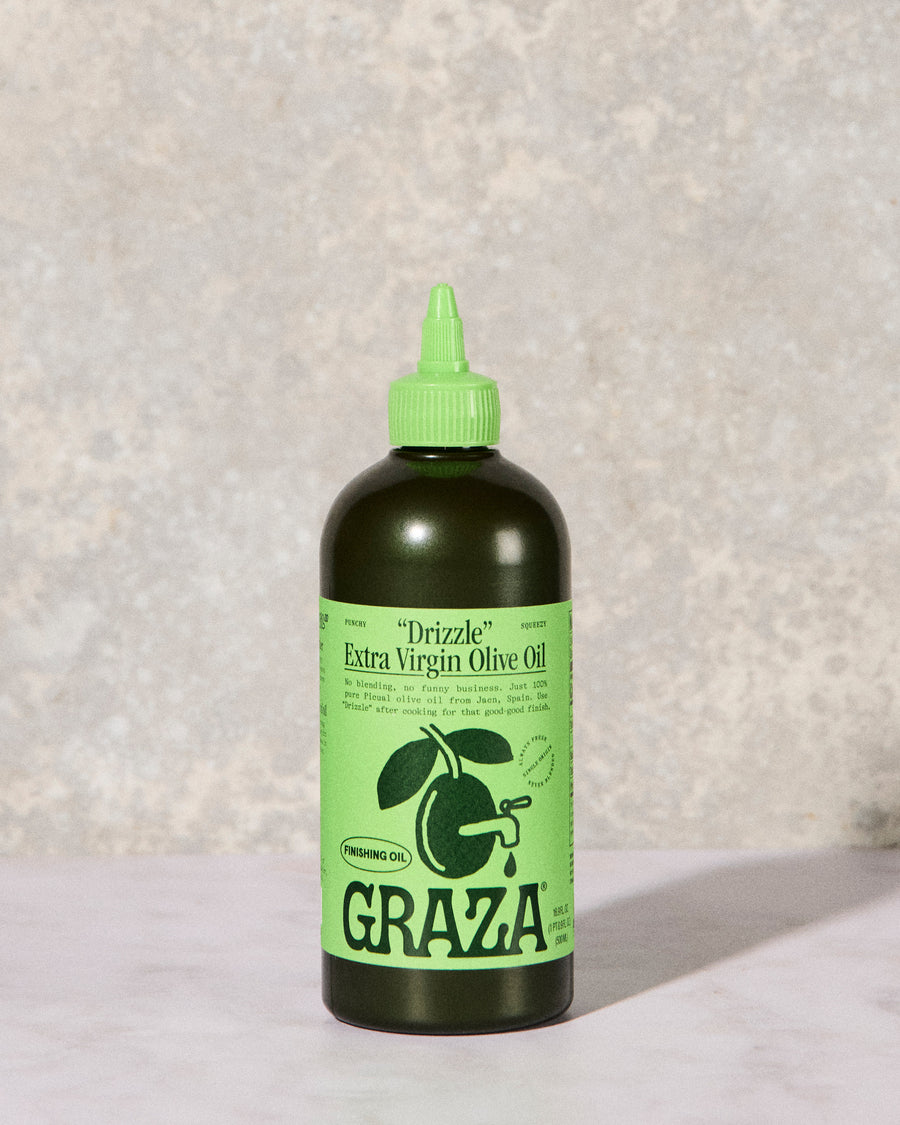
Drizzle
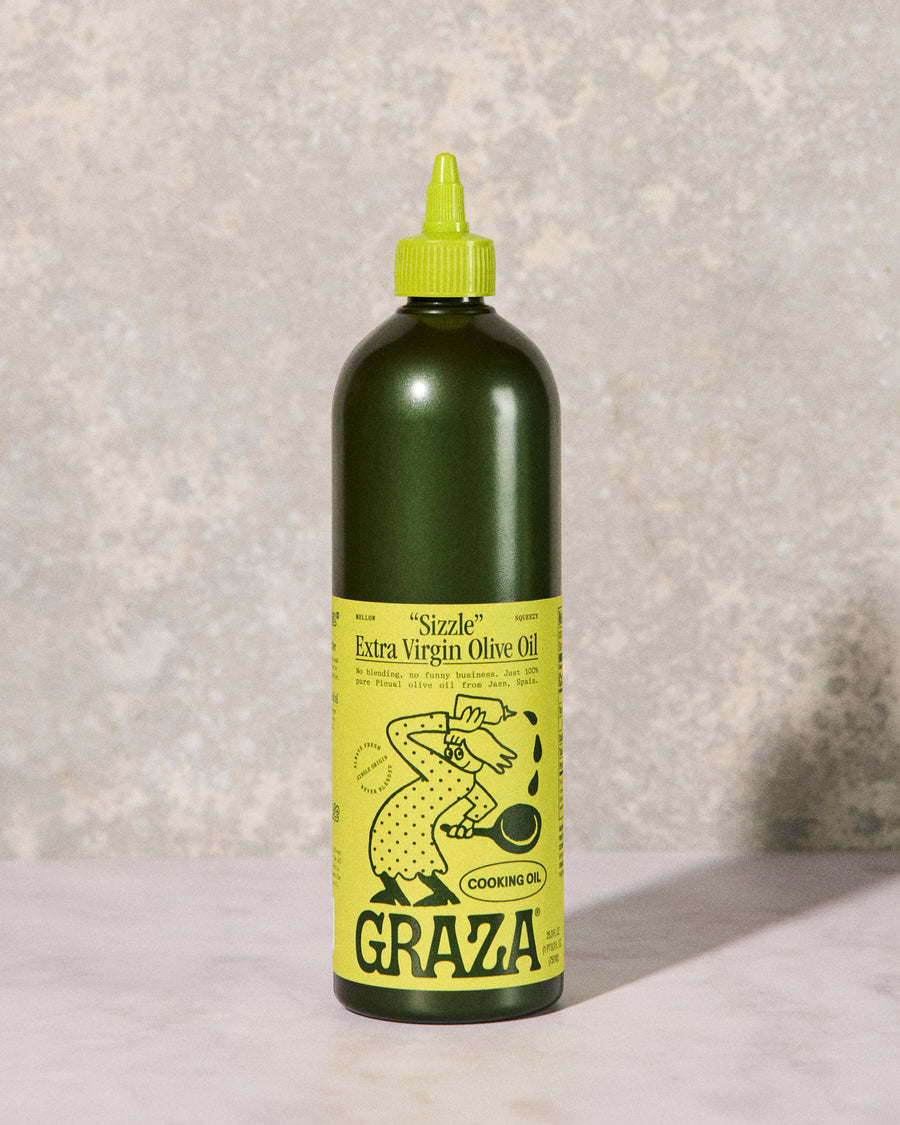
Sizzle
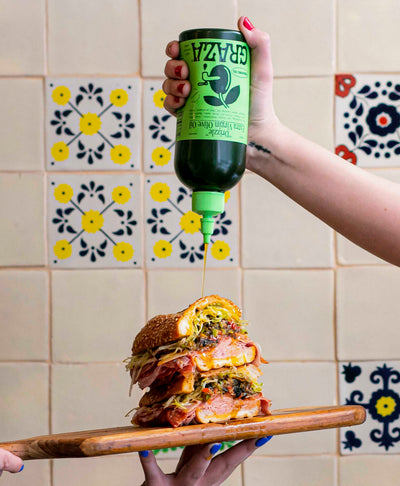
Drizzle over a sandwich
The Brief said how to use them: keep the two bottles distinct, and don’t let the model blend or swap their labels. It also said what the files couldn’t settle: the brand had no photo with tomatoes, and its bottle photos hadn’t been checked against the current product pages, so Claude checked graza.co first. A file from a library search carries none of that unless someone wrote it into the asset’s metadata.
The Higgsfield setup page has the full run, and Rainbrand vs Frontify follows a Review through a typography correction. Teams and agencies connect the agents they already use, such as Claude, ChatGPT or Cursor; a product adds its customers’ brands through the API.
If the DAM itself needs replacing
Judge this on permissions, rights and expiry data, portals, metadata and the cost of moving the library, and ask each vendor to demonstrate on your own library: an approved asset found, a guideline question answered, a permission respected.
- Bynder documents the most agent capability of the three dedicated DAMs. Bynder MCP searches approved assets and returns download links within each user’s permissions; reading brand guides needs its CX User Community product. Its site also describes AI agents for tagging, adapting and compliance; see Rainbrand vs Bynder.
- Brandfolder suits distributing approved files to teams and partners, with Brandguide for guidelines and an API for assets. Its API and a third-party MCP connection are different things, so check which you’re offered; see the Brandfolder comparison.
- Canto builds style guides into its DAM, but its documented MCP server works with Product Hub’s product records.
- Adobe and Cloudinary suit sites and channels already running on them. The AEM MCP server searches assets and checks content against brand rules; the brand tools need Adobe’s agents trial or a paid licence. Cloudinary’s MCP servers manage media, and its Moderation checks uploads against your rules on advanced plans.
If people mostly need templates
Canva’s Brand Kits and templates suit a team that already designs in Canva; its MCP server lets assistants make Canva designs with them, on plans that include those tools. Marq builds collateral from locked templates whose smart fields an assistant can fill. Work made outside a template still needs brand guidance for each output, and that’s the work to move to Rainbrand.
Brandfetch looks up other companies
Brandfetch’s Brand API returns any company’s public logos, colours, fonts and details, and its Brand Context API adds voice and positioning. That suits CRM enrichment, partner logos or prefilled onboarding, but it describes how companies present themselves in public, not the private guidelines your Frontify portal holds. Rainbrand vs Brandfetch covers the overlap.
Before you migrate
Sign up for Rainbrand and connect your agent to Frontify MCP and Rainbrand. It can then:
- Read the guideline pages your work depends on and collect download links for your logos and approved images.
- Save the files and add the brand to Rainbrand from them and your website. Frontify’s MCP describes font names rather than files, so bring font files from your own copies.
There’s no direct importer, and Frontify’s portal, permissions and templates don’t come across. Keep Frontify if people still need those; while both run, a guideline change there needs a matching brand edit in Rainbrand. Rainbrand vs Frontify sets out the steps in detail.
To decide which way to go, ask your agent, connected to Frontify MCP:
Here’s what we use Frontify for today: [list the jobs]. Using Frontify MCP and the docs for Rainbrand, Bynder, Brandfolder, Canto, Canva, Marq and Brandfetch, tell me which of this work should move to Rainbrand, whether anything left needs another DAM or a template tool, and what I’d need to take out of Frontify to start.More in Comparisons
All 5 Comparisons articles5 min read
Best AI branding tools for small teams
What a team of 1 to 20 already gets in ChatGPT, Claude, Gemini, Cursor and Canva, when paying starts to make sense, what to pay for first, and what the tools cost, with every price checked on the vendor’s own pricing page.
8 min read
Best brand compliance software for AI-made work
Eleven tools that check work against your brand, from proofing tools with AI reviewers to checks your agents can call themselves. What each one checks, where the work has to be for it to check it, how it’s priced as of October 2026, and how to test them on your own work.
6 min read
Best digital asset management software for AI agents
Bynder, Frontify, Cloudinary and Adobe AEM now let agents search and fetch approved files, and Canto and Brandfolder offer narrower routes. What that access covers, what agents need on top of it, and how a DAM and a brand layer split the work.
