Bloom is now Rainbrand

(Brand guidelines) // Design tools

Framer brand
guidelines

Framer’s logo, colors, fonts, voice, and dos and don’ts, from the Brand Skill Rainbrand built from framer.com.

Download the Brand Skill

About Framer

Framer is a professional website-building platform where AI agents, a freeform design canvas, CMS, hosting, analytics, and SEO tools work together. Its core promise is fast, polished website creation with every design kept editable and under the creator’s control.

Framer has a standalone icon and a wordmark, which sets the icon beside the word Framer. Use the official artwork in black or white rather than redrawing, recoloring, or recreating either mark. Keep the logo in its original proportions, upright and undistorted, and place it on a background with clear contrast. Never outline, rotate, skew, recolor, or change the typeface of the logo. Do not make custom logo combinations, connect the wordmark to other words, or use the icon as a letter in the wordmark.

In partnerships, pair wordmarks with wordmarks and icons with icons, size them evenly, and give both marks plenty of clear space.

Framer colors

  • Framer Blue

    Primary accent

    HEX
    RGB
  • Framer Deep Blue

    Blue alternate

    HEX
    RGB
  • Black

    Dark backgrounds and logo on light backgrounds

    HEX
    RGB
  • White

    Text and logo on dark backgrounds

    HEX
    RGB

Framer fonts

  • GT Walsheim

    Headings · 500

  • Inter

    Body and subheadings · 400

  • Input Mono

    Code and agent output · 400

Font names only. The Brand Skill download doesn’t include font files.

Framer’s voice

Framer writes with confident clarity, practical momentum, and a designer’s attention to craft. Lead with what people can make or accomplish, explain the benefit in plain language, and use concrete product details when they add clarity. Keep sentences direct and energetic without hype or filler.

Use natural, outcome-led language such as “Everything stays editable” and “The agent responds to feedback in real time,” with the occasional wink, as in “Not just vibes, a full platform.”

For technical topics, balance accessible language with precise details. Framer explains product capabilities in plain terms, then uses specifics, such as responsive breakpoints, CMS content, or performance metrics, to make the benefit tangible.

  • “The website builder for shipping standout sites”
  • “Everything stays editable”
  • “Not just vibes, a full platform”
  • “The agent responds to feedback in real time”

Dos and don’ts

Do

  • Use the official Framer icon or wordmark artwork in black or white and preserve strong contrast.
  • Keep layouts and content easy to scan; pair clear headings with concise supporting copy.
  • Emphasize creative control: AI helps generate and refine, while the work remains editable on the canvas.
  • Describe benefits with specific, plain-language outcomes, such as “Everything stays editable.”

Don’t

  • Don’t distort, rotate, skew, outline, or apply color to Framer’s marks.
  • Don’t replace the wordmark’s typeface, invent logo combinations, or use the icon as a letter in the wordmark.
  • Don’t place the logo on a low-contrast background.
  • Don’t present AI-generated work as locked or final; Framer’s design direction keeps the creator in control.
  • Don’t rely on vague claims or repetitive filler when a concrete product benefit can be stated directly.

Framer imagery

135 images from framer.com, in 2 files of the Brand Skill. Each file starts with its guidance, then shows the images it refers to.

Imagery brand visuals

42 images

Use Framer’s official brand visuals for brand-led communications and product promotion. Official product photography and visual assets show Framer’s design canvas, CMS, analytics, and agent workflows in use.

Framer’s performance and hosting pages also use crafted technical illustrations and diagrams to make infrastructure and product capabilities visible.
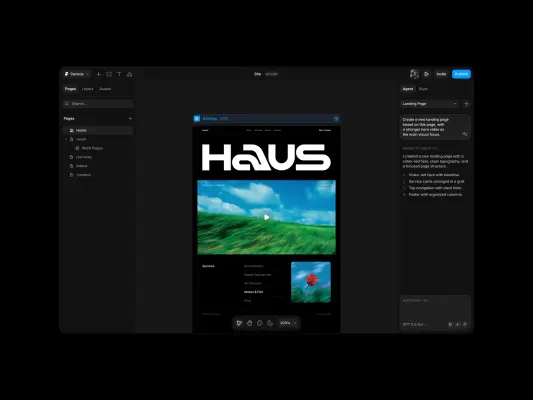
  • A dark-themed website design interface features a landing page with a bold 'HAUS' logotype centered above a vibrant landscape video.
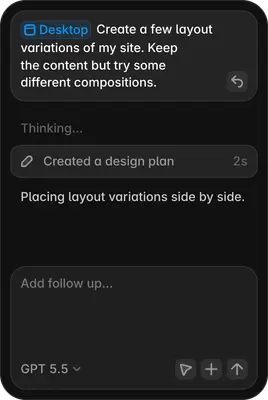
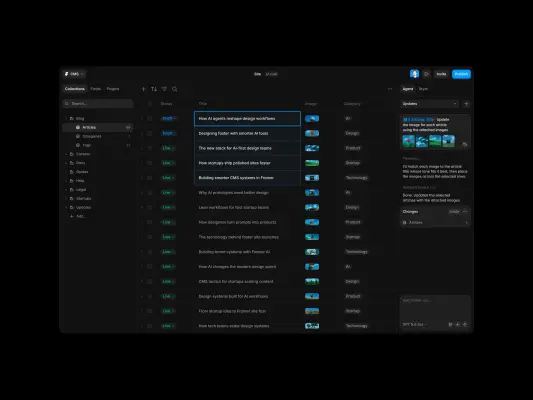
  • A dark-mode software interface shows a CMS table of blog articles, with an AI 'Agent' panel on the right automating updates.
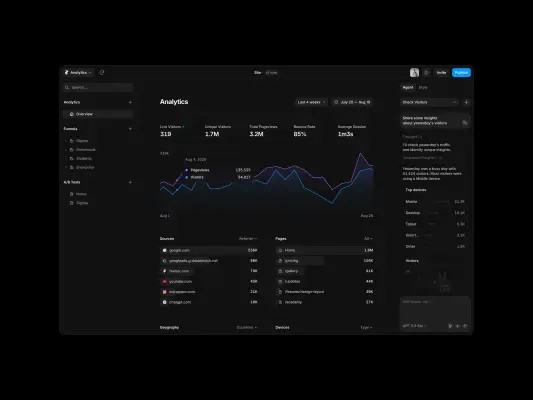
  • A dark-themed software dashboard features a large 'Analytics' section with a prominent line graph showing purple and blue 'Pageviews' and 'Visitors' trends…
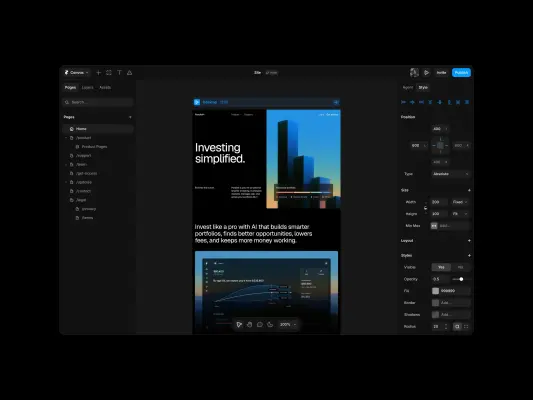
  • A screenshot of a dark-themed website builder interface displaying a landing page for Parallel, headlined 'Investing simplified.' The central canvas shows a…
  • A glowing, square app icon held between a thumb and forefinger radiates intense blue light against a dark, shadowy background.
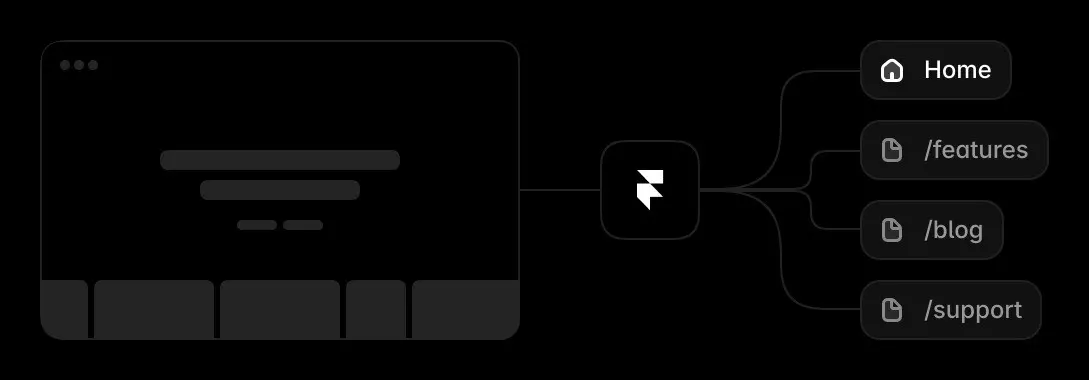
  • This minimalist dark-mode graphic illustrates a site mapping workflow using a high-contrast white Framer logo at the center.
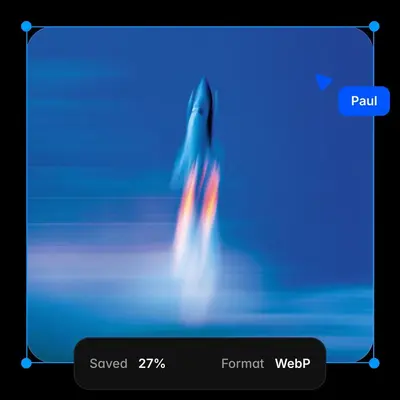
  • A vertical rocket launch is captured in a painterly, abstract style against a deep blue background.
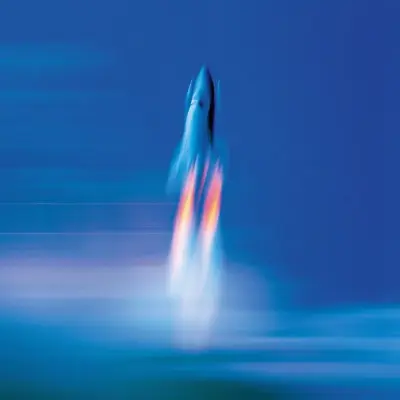
  • A motion-blurred photo of a rocket launching upward against a deep blue sky with orange and yellow flames trailing behind.
  • A pale gibbous moon hangs in a vast, deep blue twilight sky above a horizontal band of wispy, motion-blurred clouds.
  • A towering mountain peak dominates this abstract landscape, rendered in an intense blue and teal palette with a grainy, film-like texture.
  • A high-action, motion-blurred photograph depicts a person in a flowing, voluminous blue dress running across a grassy field under a clear blue sky.
  • A sleek silver sports car speeds through a luminous, hazy environment, captured with a heavy motion blur that suggests high velocity.
  • A digital interface mockup on a black background features four rounded-corner panels in a blue-on-black aesthetic.
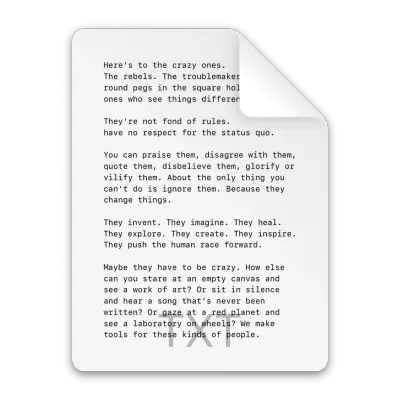
  • A vertical white document icon with a folded top-right corner displays monospaced text beginning with "Here's to the crazy ones." The text, a version of the…
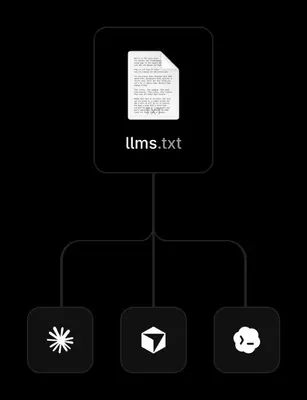
  • A vertical digital graphic on a black background illustrates a document flow from a central file to three different platforms.
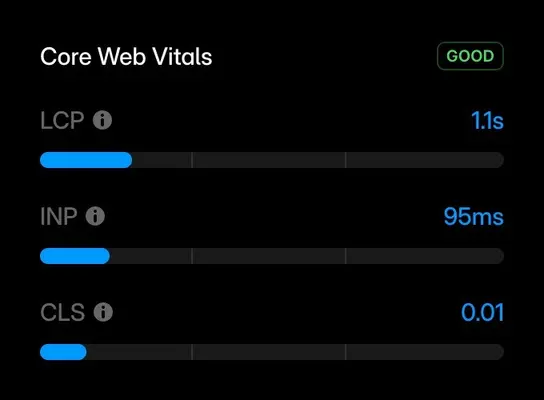
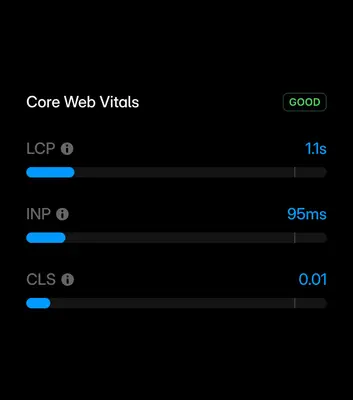
  • A dark mode user interface dashboard titled "Core Web Vitals" displays performance metrics against a solid black background.
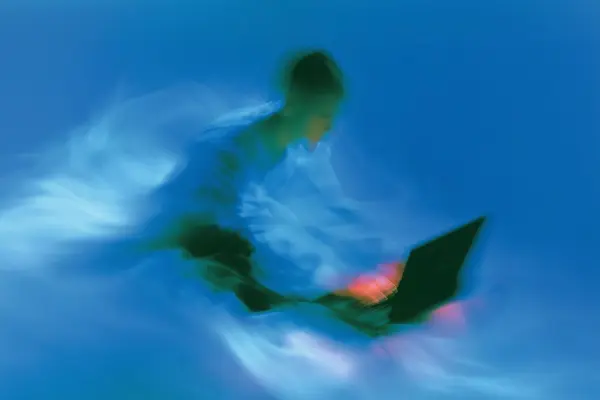
  • An ethereal, motion-blurred photograph depicts a person using a laptop within a sea of swirling cerulean and electric blue.
  • A fighter jet streaks across a vibrant blue sky, captured with an intense motion blur that suggests extreme speed.
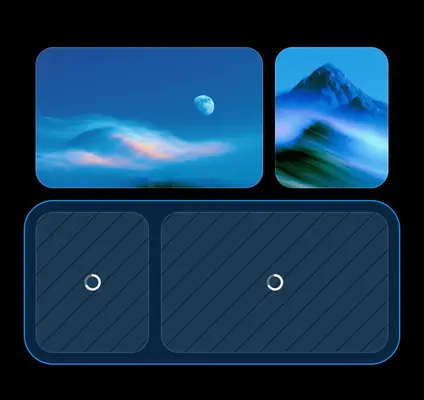
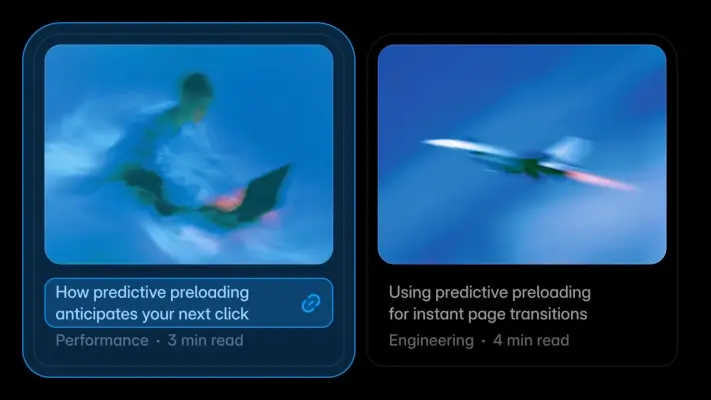
  • Two digital cards on a black background feature high-speed motion blur imagery in shades of electric blue.
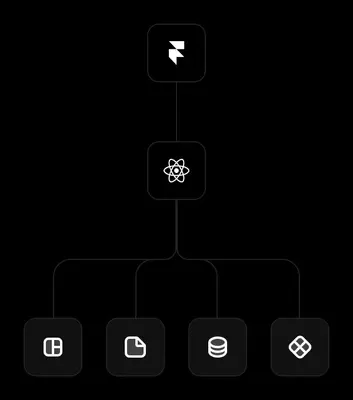
  • A vertical hierarchy diagram against a black background uses thin gray lines to connect white icons in rounded square frames.
  • A dark digital graphic featuring a glowing white geometric logo centered at the top, which resembles a stylized lightning bolt inside a rounded square.
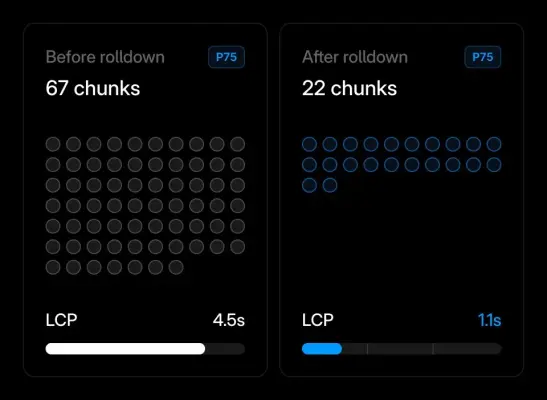
  • Two side-by-side performance comparison cards on a black background illustrate a before-and-after technical scenario.
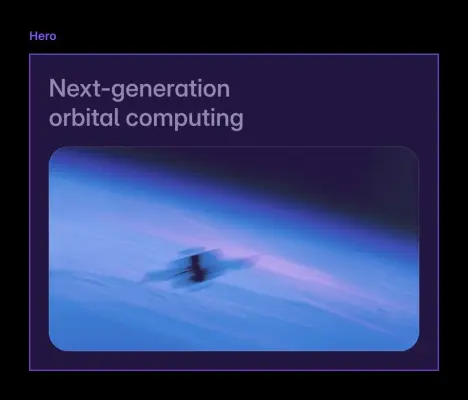
  • A blurred, motion-streaked satellite zooms across the Earth's blue and purple atmospheric horizon in a cinematic digital graphic.
  • A gas giant planet rendered in a painterly style, defined by dynamic, diagonal streaks of color.
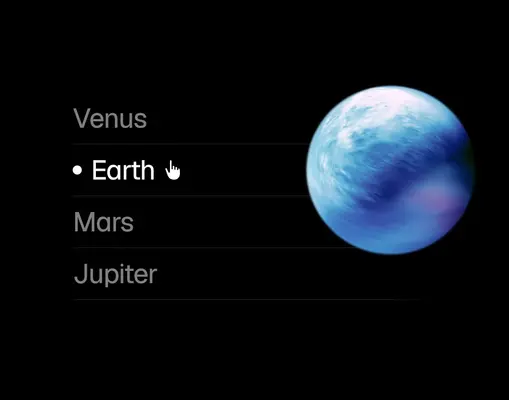
  • A digital graphic depicts a glowing blue and white planet Earth set against a stark black background.
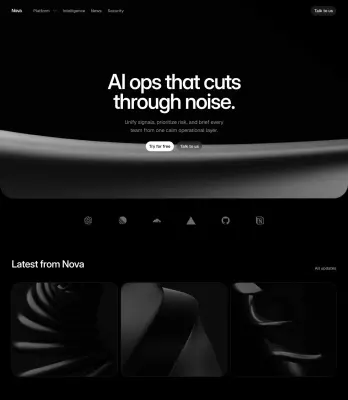
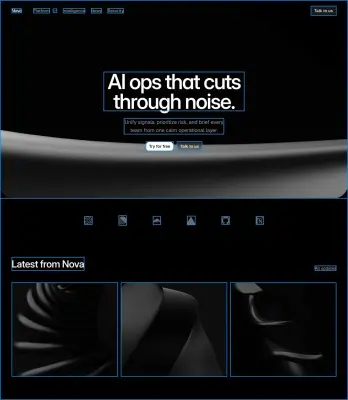
  • A dark, minimalist website landing page for Nova features bold white text reading, 'AI ops that cuts through noise.' Below this header, a smooth,…
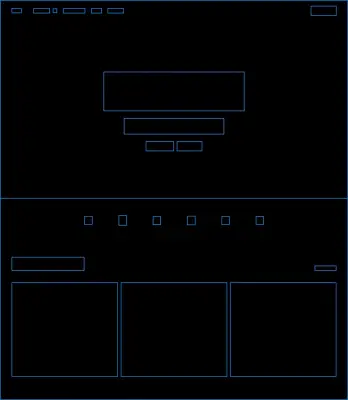
  • A digital wireframe graphic depicting a webpage layout in thin neon-blue lines against a solid black background.
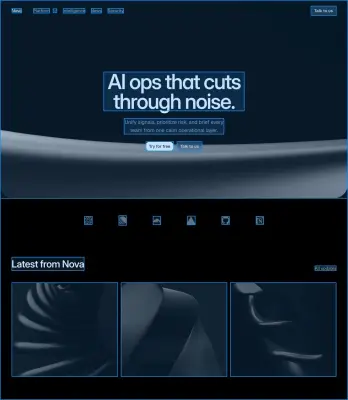
  • A dark, sophisticated website interface for Nova features a bold headline in sans-serif font: "AI ops that cuts through noise." Set against a deep navy…
  • A dark, minimalist software homepage mockup features large white sans-serif text reading "AI ops that cuts through noise." below a navigation bar for Nova.
  • A high-contrast, monochrome abstract photograph focusing on the sharp diagonal edge of a matte black surface.
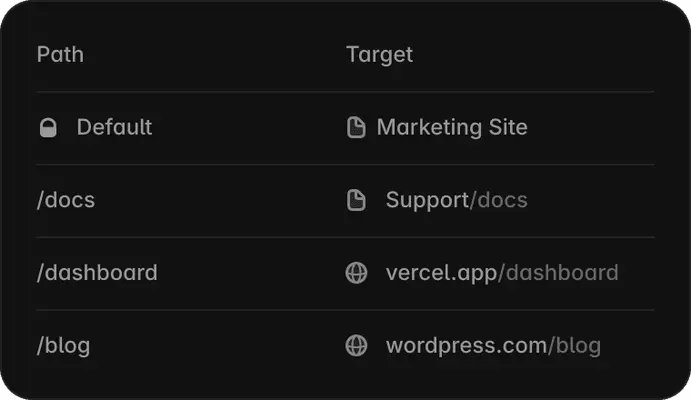
  • A clean, dark mode software interface snippet shows a table mapping 'Path' to 'Target' with gray text and minimalist icons.
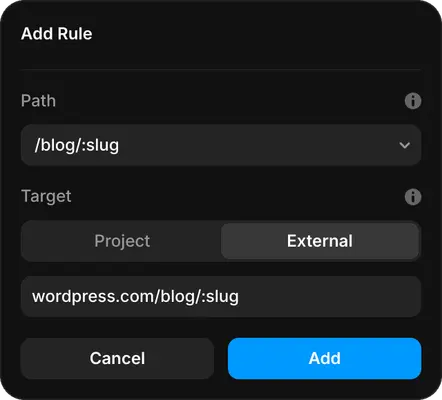
  • A dark-themed user interface modal titled 'Add Rule' features fields for setting a path and a target.
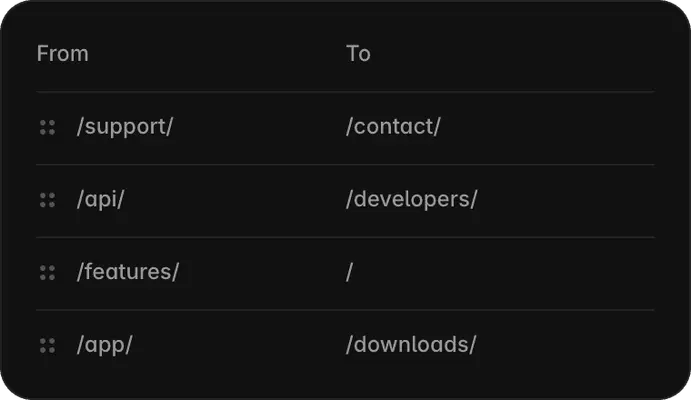
  • A sleek dark UI graphic shows a URL redirection table on a black rounded rectangle.
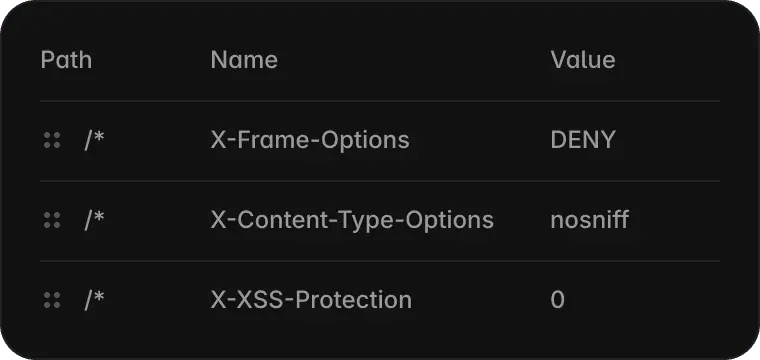
  • A dark, rounded rectangular user interface snippet displays a technical table with 'Path', 'Name', and 'Value' headers.
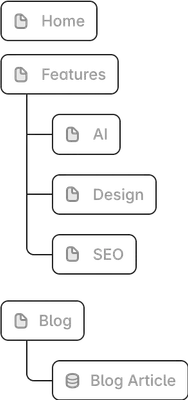
  • A clean, minimalist UI graphic depicting a website sitemap or hierarchical folder structure using grey rounded buttons and thin connector lines.
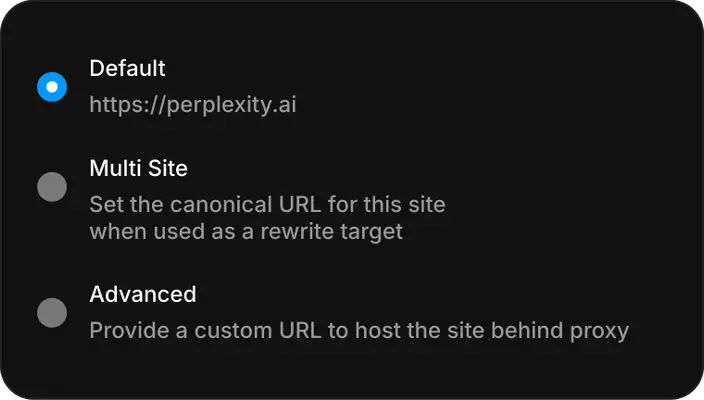
  • A dark-themed user interface screenshot features three radio button options: 'Default' with the URL 'https://perplexity.ai', 'Multi Site' with the…
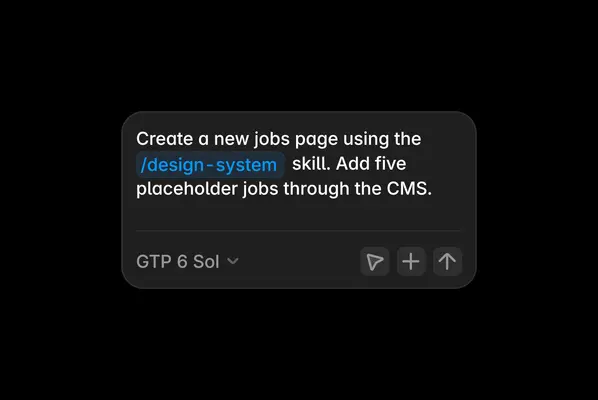
  • A dark mode user interface screenshot features a rounded text entry box floating on a black background.
  • A close-up headshot of a young man with short blonde hair and a slight smile, wearing a simple blue t-shirt.
  • A grainy, black and white portrait of a young man with short, styled blonde hair smiling directly at the camera.
  • A medium close-up portrait of a young man with light brown hair and a short, manicured beard, posing with crossed arms.
  • A close-up selfie of a smiling woman with brown hair flashing a peace sign against a vibrant purple wall.
  • A man with light skin, a reddish beard, and glasses poses for a playful selfie against a solid sage green background.

Imagery product interface

93 images

Preserve Framer’s own product screens when showing the product. Its interface imagery makes the canvas, agent, CMS, SEO, analytics, hosting, and collaboration workflows tangible. Use Framer product captures to demonstrate real editable work, not as decorative substitutes for the product experience.
  • A grainy black-and-white portrait of a young man with a slight smile and light mustache, centered in a medium close-up shot.
  • A close-up portrait of a woman with auburn hair and bright pink lipstick against a plain, light gray background.
  • A close-up headshot of a smiling young man with short brown hair and light facial hair, set against a bright, slightly clouded blue sky.
  • A dreamlike, motion-blurred profile shot of a young person wearing a blue baseball cap and black shirt against a vibrant blue background.
  • A single, ethereal white cosmos flower blooms against a vibrant teal and turquoise background with a soft, streaky motion blur.
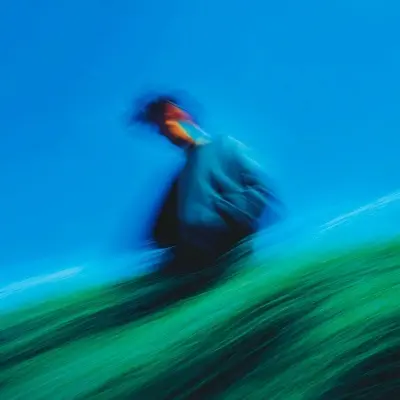
  • A figure in a dark jacket is captured in a heavy motion blur, standing against a vibrant blue sky and a slanted, streaking green field.
  • A close-up studio portrait of a young man with light brown hair and a short beard, smiling broadly at the camera.
  • A close-up portrait of a smiling bald man with a full, dark beard wearing dark sunglasses and an olive-green crewneck sweatshirt.
  • A deep charcoal and black digital graphic featuring soft, fluid gradients that create a subtle sense of movement.
  • A dark-themed user interface screenshot of a chatbot conversation.
  • A close-up digital graphic of a software interface glowing with an intense neon blue light against a dark background.
  • A headshot of a smiling young man with light brown hair and a short, manicured beard against a solid, vibrant blue background.
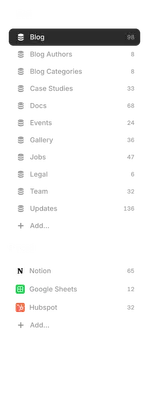
  • A vertical digital menu interface featuring lists for 'Collections' and 'Synced' data.
  • A close-up 3D abstract graphic featuring thick, coiled bands in vibrant shades of electric blue.
  • A series of deep teal, undulating 3D waves create a sleek, abstract landscape against a dark background.
  • A digital graphic for a blog post header features the bold white title "Vibe-coding interactive components" centered on a dark canvas.
  • A dynamic 3D abstract graphic featuring thick, swirling blue ribbons that spiral across a deep azure background.
  • A stark white, minimalist graphic of a bird in flight centered against a solid black background.
  • A stark white minimalist icon depicting three stacked cubes arranged in a triangular formation against a solid black background.
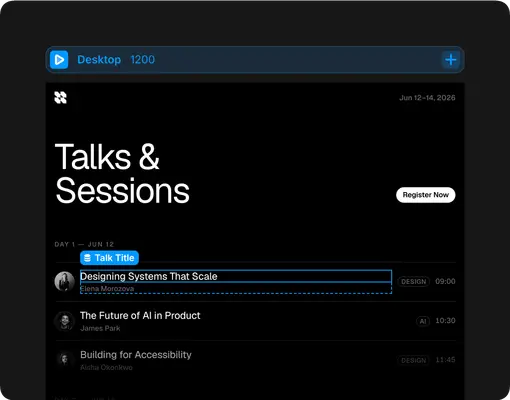
  • A dark-themed user interface screenshot for a conference event titled 'Talks & Sessions' spanning June 12-14, 2026.
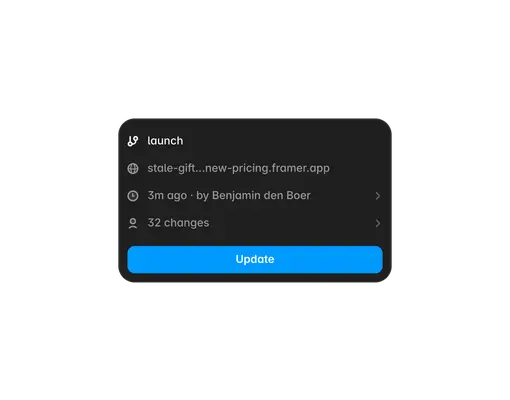
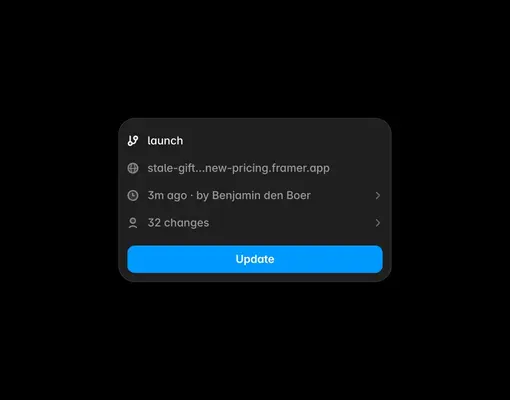
  • A dark, rounded-corner UI card displays a 'launch' status update for a Framer project.
  • A vibrant professional headshot of a Black woman with a bright smile, wearing cat-eye glasses and a royal blue blazer over a white top.
  • A vibrant blue, grainy torus shape arcs across a pitch-black background in a close-up, abstract composition.
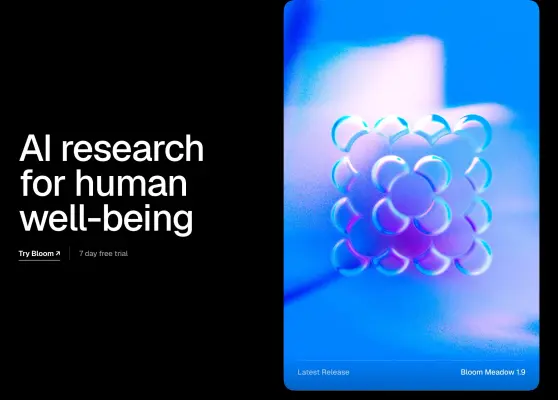
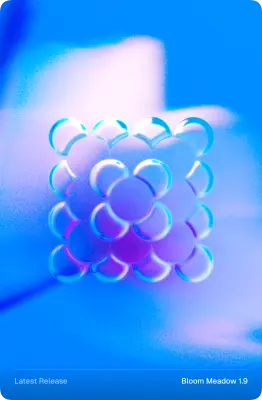
  • A cluster of glossy, iridescent glass spheres arranged in a floral pattern floats within a grainy, vibrant blue and purple vertical card.
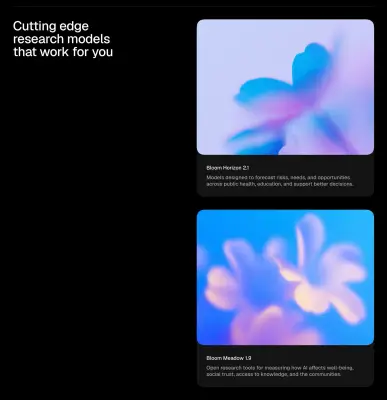
  • A dark, minimalist graphic features two vertical cards on the right side against a black background, with the headline "Cutting edge research models that…
  • Soft, dreamlike floral shapes in ethereal shades of lavender and pale peach float against a vibrant cerulean blue backdrop.
  • Bold white sans-serif text reading "AI research for human well-being" is arranged across three lines and flush against the left margin.
  • A cluster of glossy, iridescent blue and lavender spheres forms a floral pattern at the center of this vibrant graphic.
  • An abstract, soft-focus composition features a central, cloud-like shape with hazy edges floating against a vibrant cyan background.
  • A high-angle, dreamlike photo features soft-focus, golden-pink tulip blossoms glowing against a vibrant sky-blue background.
  • A soft, abstract gradient graphic features a heart-like shape rendered in a dreamy, out-of-focus style.
  • A dreamlike, heavily blurred photograph features two pink and orange flowers against a vibrant cobalt blue background.
  • A soft, luminous white flower with five blurred petals floats against a vibrant, saturated cyan background.
  • A grainy, abstract digital graphic featuring soft, glowing orbs of warm pink, orange, and white light against a vibrant azure blue background.
  • A translucent glass sphere sits centered against a dreamy, soft-focus background of lavender and blue gradients.
  • A single, white daisy-like flower glows with a warm, golden center against a vast, vibrant blue gradient background.
  • A luminous white flower glows against a solid black background, its soft petals illuminated by a warm, golden light at the center.
  • A close-up studio portrait features a young man with dark curly hair and a subtle stubble beard looking directly at the camera with a neutral, calm expression.
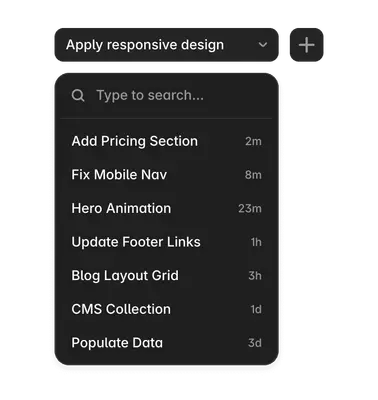
  • A dark-themed user interface graphic shows a drop-down menu and a search list for project tasks.
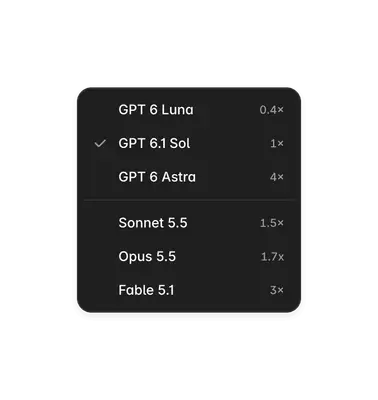
  • A digital UI screenshot features a dark gray rounded-corner dropdown menu containing a list of AI models and their corresponding multiplier values.
  • A vibrant color gradient sweeps across this abstract background from left to right.
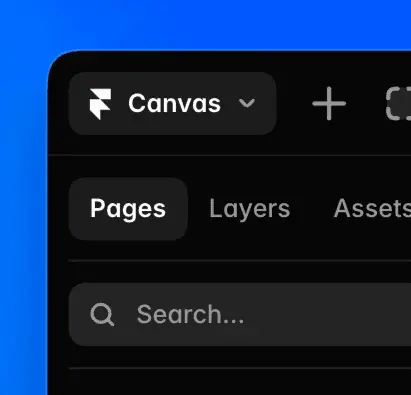
  • A close-up screenshot of a dark-mode design software interface set against a vibrant blue background.
  • A grainy, abstract digital graphic featuring a deep blue light diffusion against a solid black background.
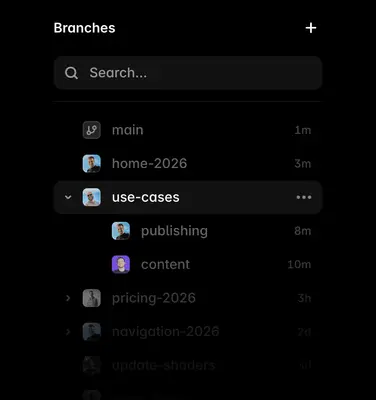
  • A dark-mode software interface screenshot displays a 'Branches' sidebar menu with a nested list of project paths.
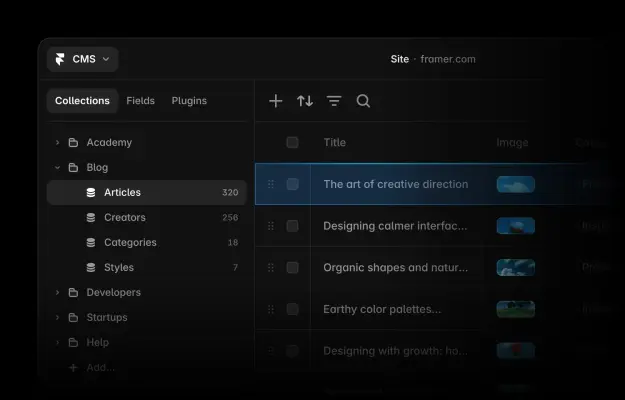
  • A screenshot of a dark-themed Content Management System (CMS) interface for framer.com, featuring a sidebar with nested collections like 'Academy' and 'Blog'.
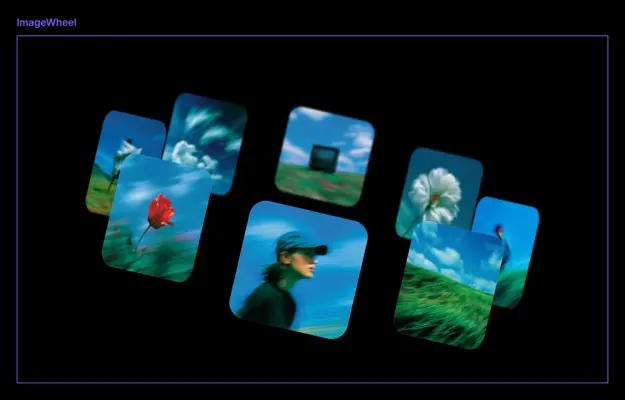
  • A collection of seven rounded square photo tiles float across a stark black background, organized as if rotating on an invisible wheel.
  • A dark mode user interface graphic titled "Core Web Vitals" with a green "GOOD" status badge.
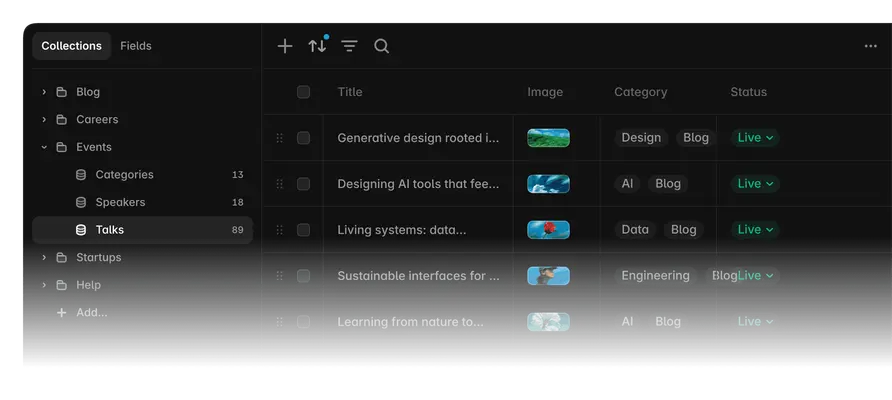
  • A screenshot of a dark-themed digital content management interface shows a list of blog posts under the 'Events Talks' collection.
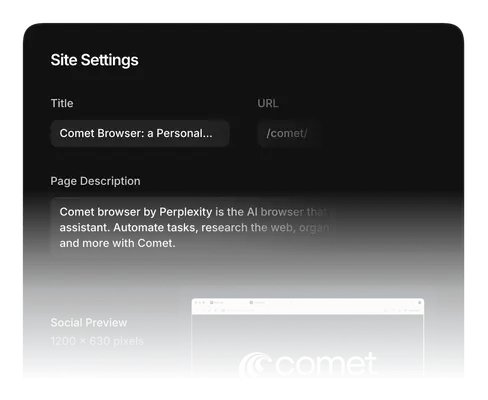
  • A dark-themed user interface screenshot displays Site Settings for the Comet Browser.
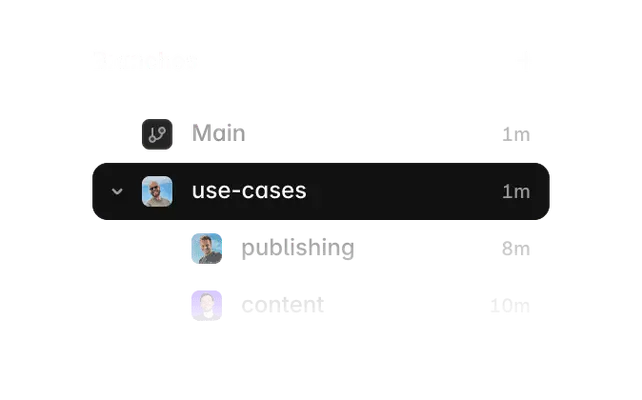
  • A digital UI graphic displays a vertical list of workflow branches, with 'use-cases' highlighted in a bold black selection bar.
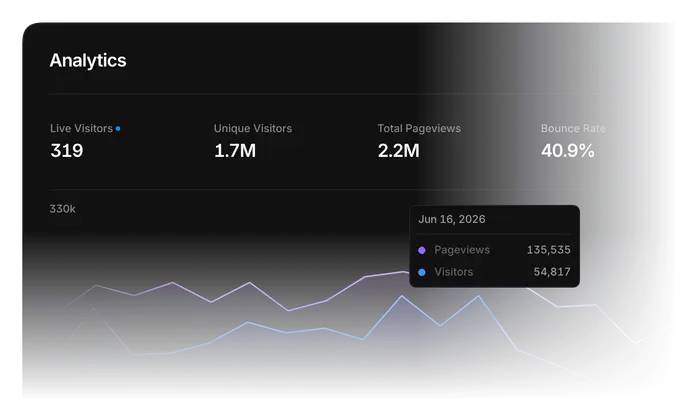
  • This UI screenshot displays a dark mode 'Analytics' dashboard with a bold header and key metrics including '319' Live Visitors and '2.2M' Total Pageviews.
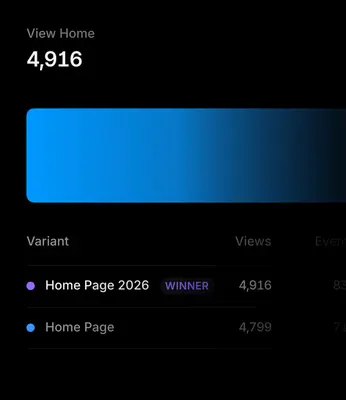
  • A digital dashboard screenshot on a dark background displays analytics comparing webpage variants.
  • A black and white portrait features a young man with a full beard and short hair styled upwards, looking directly at the camera with a neutral expression.
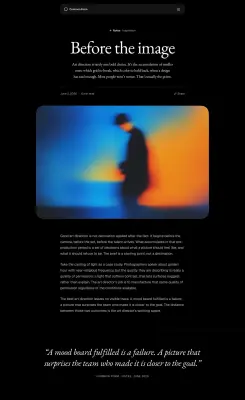
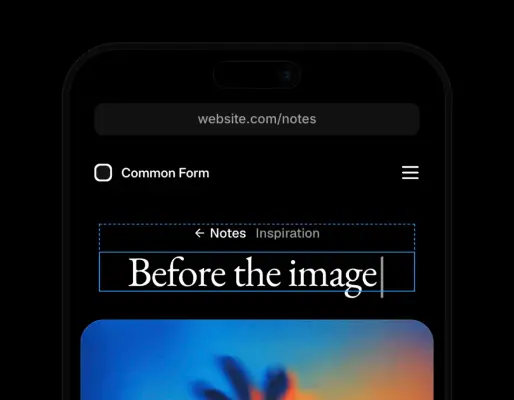
  • A minimalist editorial webpage titled "Before the image" features a striking, blurry photograph of a silhouetted figure in a hat set against a glowing blue…
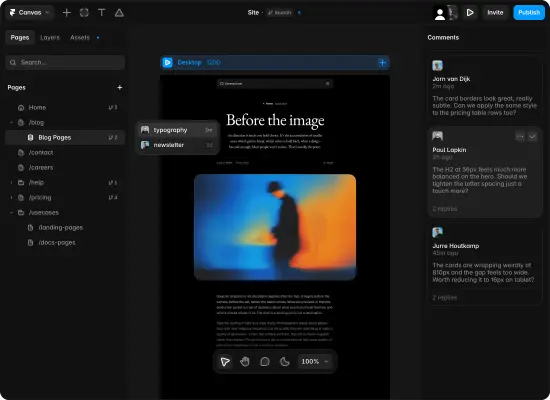
  • A dark-themed user interface screenshot of a design platform titled Canvas, showcasing a web page editor and a 'Comments' sidebar.
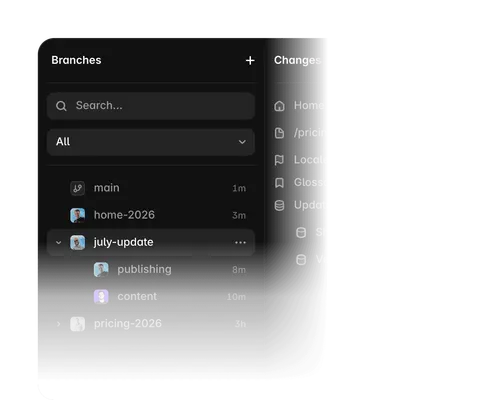
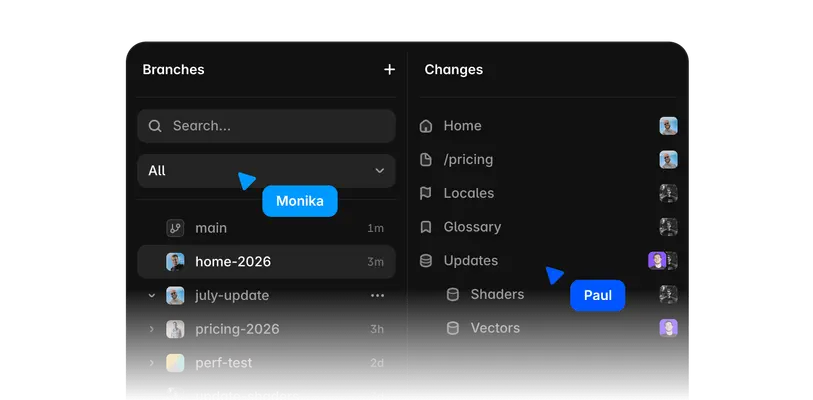
  • A dark-themed user interface snippet showing a 'Branches' sidebar with a search bar and list of items like 'main', 'home-2026', and a highlighted…
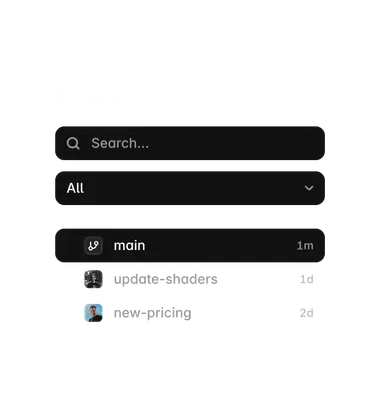
  • A vertical stack of dark user interface elements shows a search bar at the top, a dropdown menu labeled 'All', and a branch selection list.
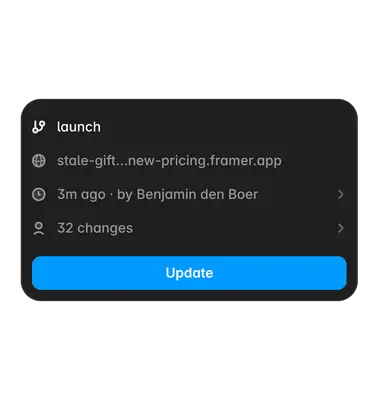
  • A dark mode UI notification card with rounded corners displays software deployment details.
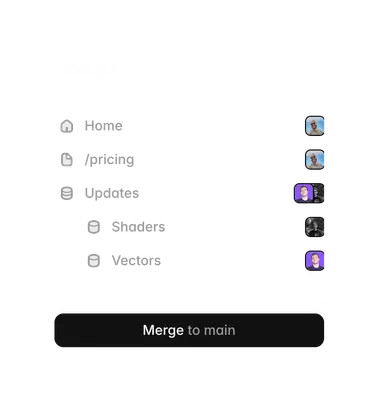
  • A software interface mockup shows a hierarchical navigation list with gray icons and text labels for "Home," "/pricing," and "Updates," with sub-items for…
  • A square graphic featuring a 5x5 grid of twenty-five distinct colored blocks arranged in a rainbow-like gradient.
  • A dark-themed software dashboard screenshot shows collaborative editing features with vibrant blue user cursors labeled 'Monika' and 'Paul'.
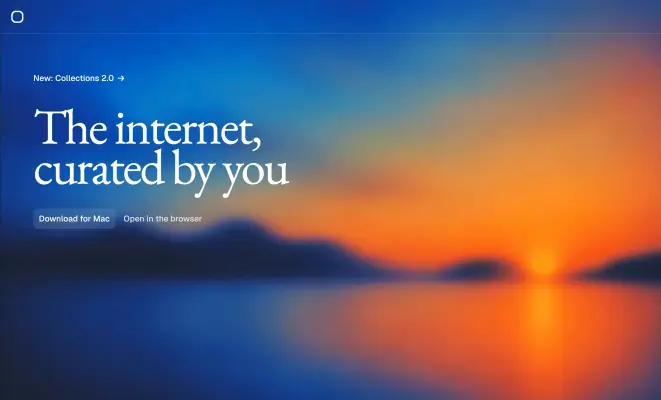
  • A vibrant sunrise or sunset over a body of water serves as the blurred background for this website hero graphic.
  • A close-up digital screenshot displays a dark-themed mobile application interface titled 'Common Form' on a smartphone screen.
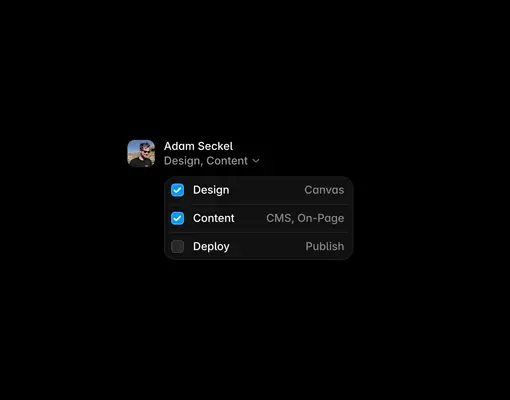
  • A dark mode user interface graphic featuring a profile for 'Adam Seckel' with a dropdown menu displaying project roles.
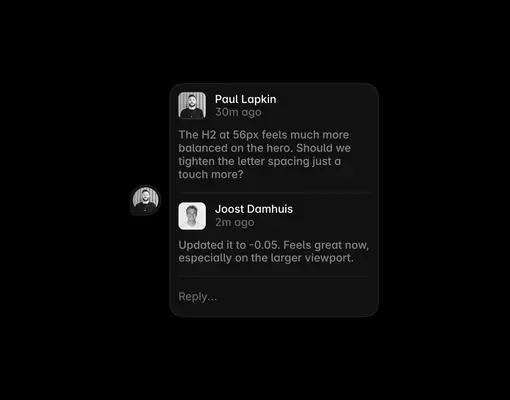
  • A digital screenshot featuring a dark-themed user interface comment thread centered on a solid black background.
  • A dark-themed user interface pop-up window centered on a black background displays a software update prompt.
  • A minimalist logo for "Otto" is centered against a dark, near-black background.
  • A minimalist isometric wireframe illustration of a stack of five dollar bills rendered in glowing neon blue lines against a solid black background.
  • A series of overlapping deep blue circular layers creates a rhythmic, three-dimensional dome shape against a solid black background.
  • A digital isometric illustration of a padlock rendered in thin, glowing blue outlines against a solid black background.
  • A minimalist isometric 3D graphic of four ascending bar columns rendered in thin, glowing blue outlines against a solid black background.
  • A minimalist geometric graphic features a wireframe cube rendered in thin, neon blue lines against a solid black background.
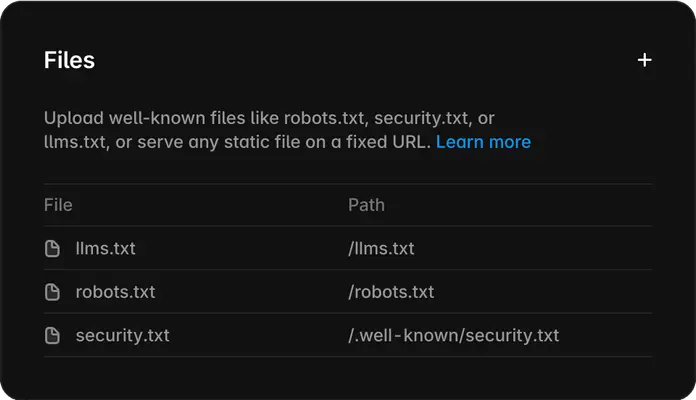
  • A dark-mode user interface screenshot for a file management section titled "Files" with a plus icon in the corner.
  • A vibrant neon blue rectangular frame glows against a pitch-black background, creating a high-contrast digital graphic.
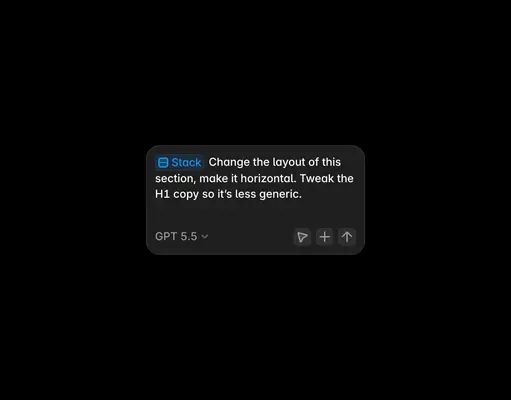
  • A dark mode software interface snippet features a rounded, charcoal-grey command bubble centered against a black background.
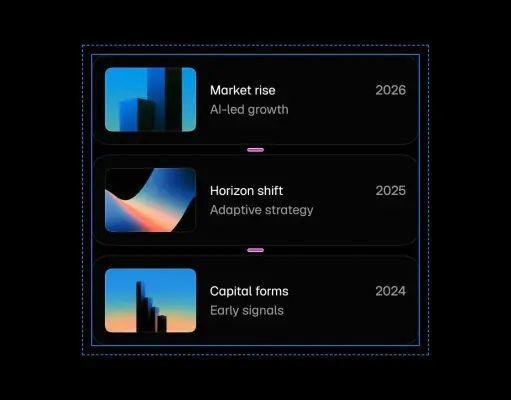
  • A vertical digital timeline graphic displays three stacked black modules against a dark background, connected by small pink glowing bars.
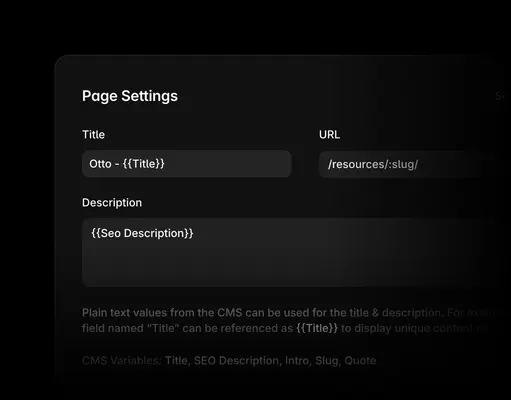
  • A dark-mode screenshot shows a "Page Settings" interface for a content management system.
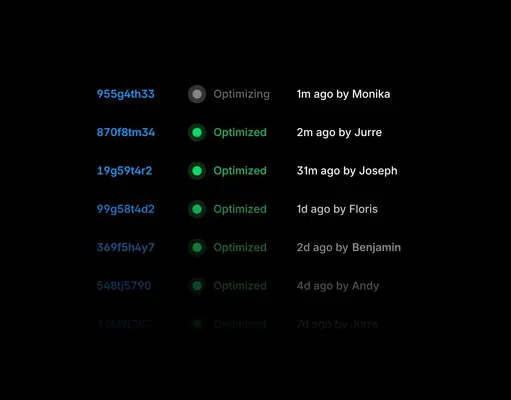
  • A screenshot of a software log interface set against a stark black background, featuring a vertical list of alphanumeric ID codes in blue.
  • This graphic features a minimalist horizontal header row for a content management interface or data table.
  • A minimalist user interface element for a search bar features a small, thin magnifying glass icon to the left of the light gray text "Search 98 items...".
  • A horizontal user interface toolbar features a light grey file icon and white text reading 'How to design responsive websites...'.
  • A horizontal screenshot of a digital data row or navigation bar featuring light gray text and icons against a clean, minimalist layout.
  • A horizontal user interface row features light gray text headers 'Interactive web design examples', 'Monika, Paul', and 'Inspiration' against a dark backdrop.
  • A horizontal user interface row features grey text against a light background, starting with a document icon and the phrase 'SVG animation mastery'.
  • A horizontal user interface row features the title "11 professional animation strategies" in light gray text.
  • A horizontal user interface row features a small grey document icon and the title "7 principles for mastering SEO" in light grey text.
  • This UI screenshot displays a horizontal table row for digital content management, featuring the text '9 landing page best practices' alongside a small…
  • This UI component screenshot displays a single row of a content management list against a minimal background.
  • A horizontal user interface row features white and light gray text against a dark background, starting with a file icon and the title '10 parallax scrolling…
  • A horizontal screenshot of a digital data row or user interface table entry featuring light gray text.
  • A horizontal, pill-shaped black graphic element with rounded ends, resembling a modern toggle or interface component.
  • A minimalist website navigation header features the bold, white 'BLOOM®' logo on the far left of a solid black background.
  • A horizontal website banner graphic features the text 'Try Bloom' in bold white sans-serif font accompanied by an upward-pointing diagonal arrow.

Download Framer’s Brand Skill

A Brand Skill is a folder of brand guidance written for agents. Give it to Claude, ChatGPT, Cursor or another agent and ask it to follow Framer’s guidelines. It starts at SKILL.md, which points to the right file for each task.

It has the guidance, 135 images and the logos. The font files belong to Framer B.V, so they’re left out.

framer-brand-skill/

├ SKILL.md

├ README.md

├ references/

│ ├ voice.md

│ ├ dos-and-donts.md

│ ├ colors.md

│ ├ logo.md

│ ├ typography.md

│ ├ imagery-brand-visuals.md

│ └ imagery-product-interface.md

└ assets/

├ images/

└ logos/

Rainbrand’s Brand Agent built this Brand Skill from framer.com on 30 Oct 2026. It isn’t Framer’s official guide. Reviewed by Siddharth Borderwala, Founding Engineer at Rainbrand.


Framer and its logos are trademarks of Framer B.V. Rainbrand isn’t affiliated with or endorsed by Framer B.V.

Make one for
your brand.

Add Rainbrand to your agent and give it your website, brand guide or files. Rainbrand builds a Brand Skill like this one and keeps it up to date.

  1. Open the Rainbrand plugin and add it.
    Open Rainbrand plugin (opens in a new tab)
  2. Connect your Rainbrand account when asked. It works in ChatGPT and in Codex.

See all brands