Bloom is now Rainbrand

(Brand guidelines) // Productivity software

Linear brand
guidelines

Linear’s logo, colors, fonts, voice, and dos and don’ts, from the Brand Skill Rainbrand built from linear.app.

Download the Brand Skill

About Linear

Linear is a product development system for teams and agents, built to help people plan, coordinate, and ship products with speed and focus. Its brand pairs precise, restrained design with a craft-minded, direct voice.

Use the Linear logo, the symbol beside the name, as the default identity artwork. The symbol on its own is a supported mark for compact placements. Preserve each mark’s original proportions and artwork.

Linear colors

  • Mercury White

    Light brand color

    HEX
    RGB
  • Nordic Gray

    Dark brand color

    HEX
    RGB
  • Indigo

    Primary brand color

    HEX
    RGB
  • Violet accent

    Website accent

    HEX
    RGB
  • Near-black

    Website dark background

    HEX
    RGB
  • Off-white

    Website text on dark

    HEX
    RGB

Linear fonts

  • Inter

    Headings · 510, Body · 400

  • Berkeley Mono

    Code

Font names only. The Brand Skill download doesn’t include font files.

Linear’s voice

Write with clarity, restraint, and confidence. Lead with the work and its value; prefer plain language to hype. Be purposeful and specific, with a sense of craft and forward motion. Linear’s own principles put it simply: “Simplify and ship smaller.” “Listen carefully and understand their problems.” “Get to the point and assume good intentions.”

The brand’s product copy balances ambition with practical outcomes: “Purpose-built for planning and building products. Designed for the AI era.” “Linear is designed to surface exactly what you need, when you need it.” “Most of what makes software feel good is what you aren’t likely to see.”

Choose short, declarative sentences. Explain what changes, why it matters, and what a team can do next. Favor thoughtful, human language over inflated claims; show speed and quality through concrete benefits.

  • “Simplify and ship smaller”
  • “Listen carefully and understand their problems”
  • “Get to the point and assume good intentions”
  • “Purpose-built for planning and building products. Designed for the AI era”
  • “Linear is designed to surface exactly what you need, when you need it”
  • “Most of what makes software feel good is what you aren’t likely to see”

Dos and don’ts

Do

  • Use the logo or standalone symbol with its original artwork and proportions.
  • Build digital work on Linear’s dark interface palette and Inter, keeping the violet accent for emphasis.
  • Make the work feel purposeful, focused, and carefully made; let the primary content take precedence over supporting detail.
  • Write directly, focus on user needs, and make the next step clear.
  • Explain product capabilities with concrete examples and outcomes.

Don’t

  • Don’t redraw, stretch, or casually alter the Linear marks.
  • Don’t let navigation, decoration, or secondary interface elements compete with the main task.
  • Don’t add visual separators or icon treatments without a clear purpose; prefer quieter structure and reduced visual noise.
  • Don’t bury the point in jargon, excessive process, or grandiose claims.
  • Don’t imply that an AI agent replaces human accountability; Linear’s product messaging keeps people involved in review and oversight.

Linear imagery

125 images from linear.app, in 2 files of the Brand Skill. Each file starts with its guidance, then shows the images it refers to.

Visual design and product imagery

22 images

Linear’s visual language is restrained, precise, and information-dense. Keep attention on the work area; let navigation and orientation recede. Build structure through clear grouping and subtle separation rather than a profusion of borders. Use compact, quiet controls and purposeful iconography.

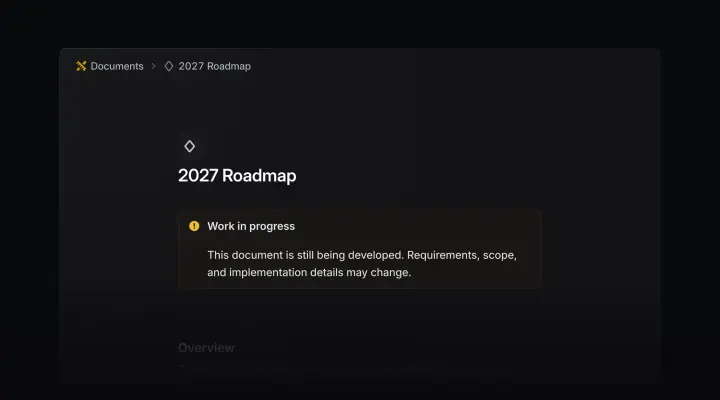
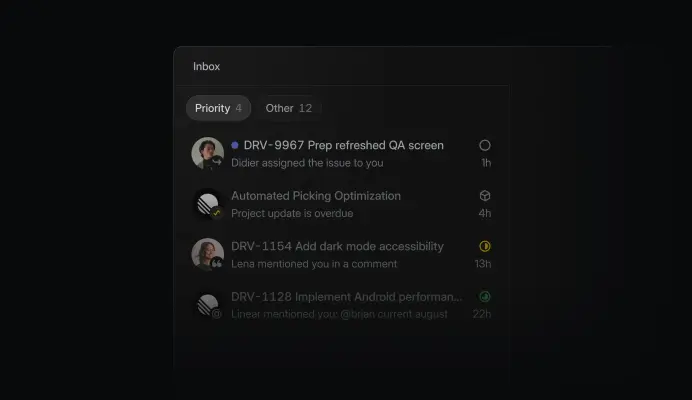
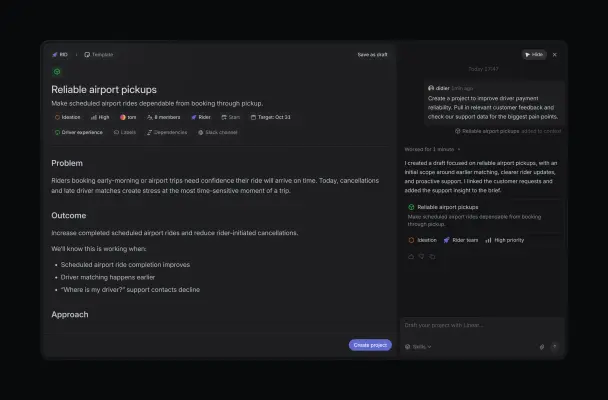
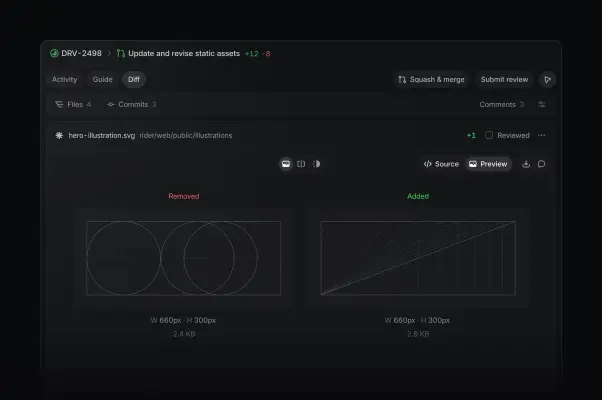
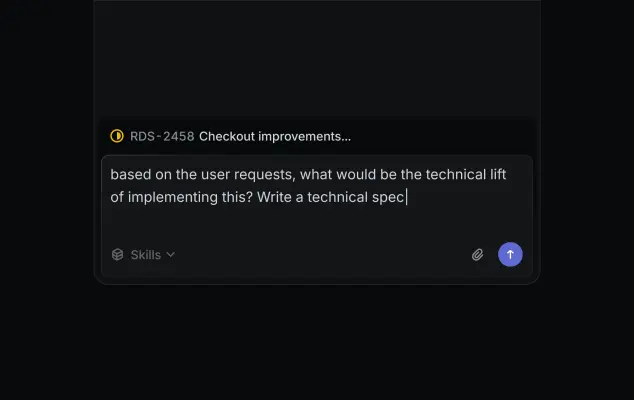
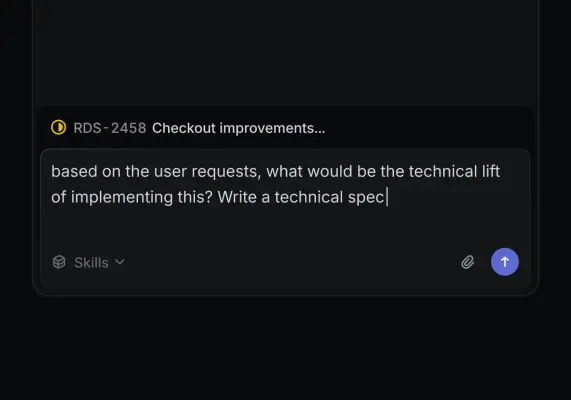
When showing the product, preserve the recognizable Linear interface: dark workspace surfaces, clear issue and project structure, functional labels and status cues, and realistic content. Product imagery should communicate a real task or workflow—planning, triage, agent work, code review, or team coordination—rather than a generic technology tableau.

Brand marks and atmospheric imagery

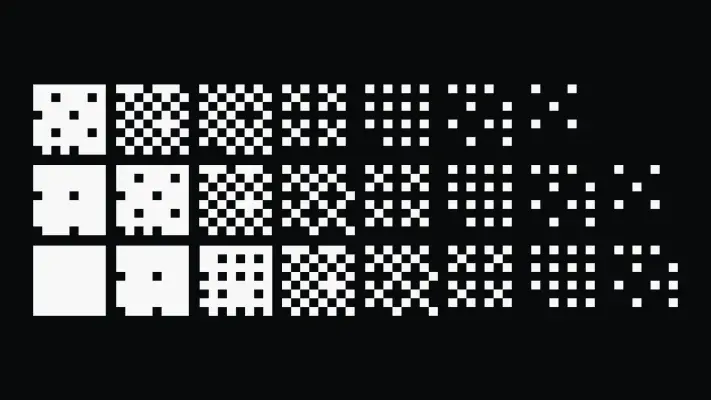
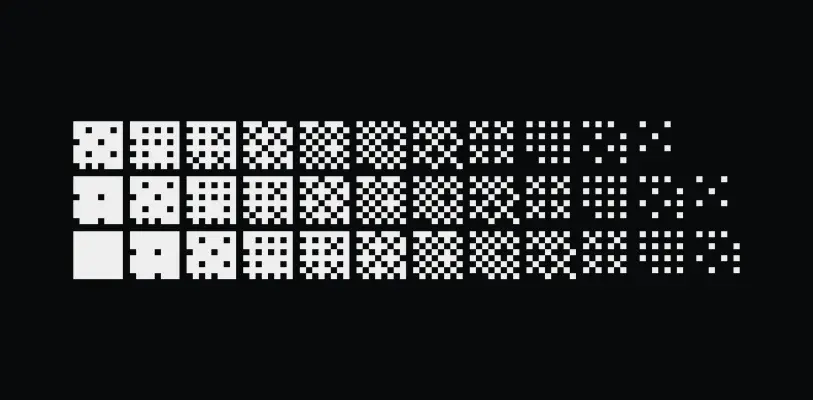
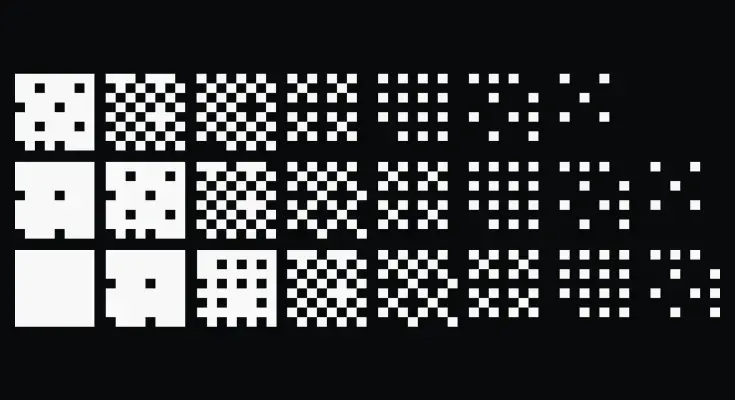
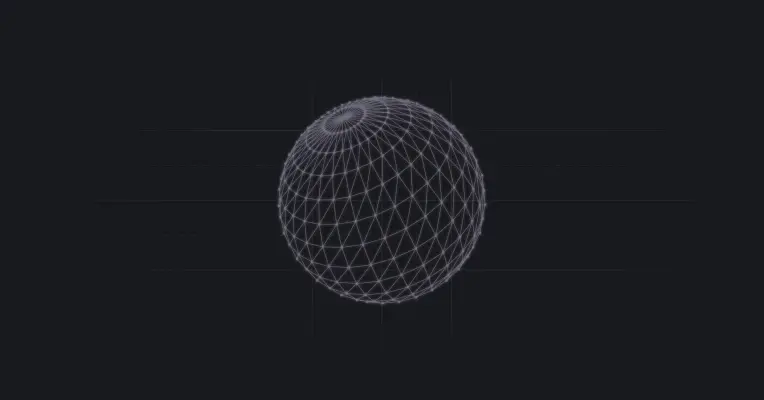
Use Linear’s abstract graphic artwork as atmosphere around the identity or editorial message. The black-and-white pixel-grid pattern and the globe-like illustration are examples of brand-associated graphic imagery.
  • A minimalist white logo for Linear is centered against a dark charcoal gradient background.
  • A stark white logo for "Linear" is centered against a smooth dark gray to black gradient background.
  • A minimalist graphic against a solid black background features a white circular icon and the word "Customers" in a clean, sans-serif font.
  • A high-contrast monochrome graphic features three horizontal rows of pixel-art squares on a solid black background.
  • A digital graphic showcases three rows of white pixelated icons against a solid black background, illustrating a progression of density and texture.
  • A stark black background displays an array of white pixelated patterns organized into three horizontal rows.
  • A translucent, wireframe sphere made of thin lavender lines and small circular nodes sits centrally against a dark matte grey background.
  • A single, solid gray five-pointed star icon with rounded tips.
  • A flat, dark gray silhouette of a friendly robot head with a square-jawed outline and rounded corners.
  • A minimalist graphic of two four-pointed stars rendered in a solid, muted slate gray.
  • A minimalist square icon with rounded corners in a solid charcoal gray.
  • A minimalist circular logo rendered in a solid, medium-gray tone.
  • A dark gray, minimalist bug or beetle icon presented in a flat graphic style.
  • A minimalist, dark gray vector icon depicting two thick arrows curved into a circle, indicating a continuous loop or refresh action.
  • A dark gray, rectangular speech bubble icon with rounded corners and a triangular pointer at the bottom right.
  • A minimalist, dark gray vector icon of an open padlock.
  • A minimalist square icon with rounded corners features a dark slate gray background.
  • A single, minimalist dark gray speech bubble icon featuring a smooth, rounded circular top and a sharp triangular tail pointing toward the bottom left.
  • A dark gray, minimalist flat icon features a ruler and a pen crossing over each other in an 'X' shape.
  • A close-up, high-angle screenshot of a digital dashboard in dark mode, featuring a sleek project timeline or calendar.
  • An extreme close-up, wide-angle screenshot of a digital project timeline in dark mode.
  • A close-up, high-angle screenshot of a dark digital interface featuring a sleek, grid-based layout.

Product imagery

103 images

Use Linear’s own interface screenshots to show the product in context. Keep UI text, controls, and visual states legible enough to convey the workflow. The product spans intake, planning, AI and automation, and building and shipping; choose imagery that matches the creative task.

  • A minimalist graphic of a three-dimensional corner shadow casting outwards from a central point.
  • A radiant white oval spotlight serves as the focal point on a smooth, matte gray surface.
  • A circular headshot of a fair-skinned man with dark, styled hair and a full groomed beard.
  • A minimalist circular graphic logo featuring a thick black outer ring.
  • A grayscale circular headshot features a smiling young woman with her hair pulled back, framed against a soft coastal background.
  • A high-contrast black and white circular headshot features a woman with long, dark, wavy hair and a gentle smile.
  • A grayscale, circular-cropped headshot of a man with a short beard and styled, upward-swept hair.
  • A sepia-toned circular headshot of a man with dark, curly hair and a subtle, friendly smirk.
  • A black-and-white circular portrait features a bearded man with dark hair looking directly at the camera with a neutral, calm expression.
  • A grayscale, circular headshot of a smiling man wearing a baseball cap and a dark t-shirt.
  • A close-up headshot of a young man with dark, swept-back wavy hair looking thoughtfully to the side.
  • A close-up studio portrait of a woman with her eyes closed and a wide, joyful smile that shows her teeth.
  • A close-up candid photo captures a smiling man with a red beard wearing a black and grey trucker hat featuring the letters "ÖA".
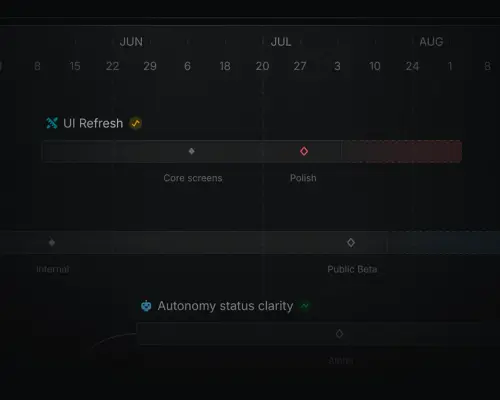
  • A dark, professional software interface screenshot features a project roadmap timeline for June, July, and August.
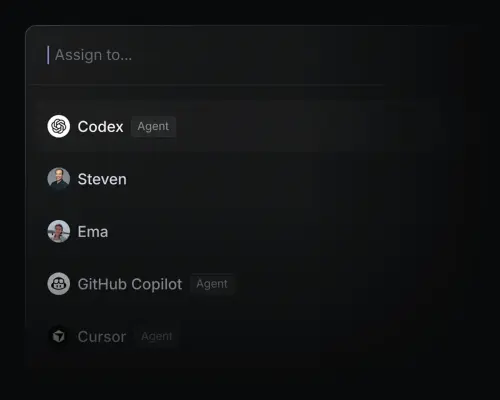
  • A dark mode software interface displays an 'Assign to...' search bar with a blue cursor above a dropdown list.
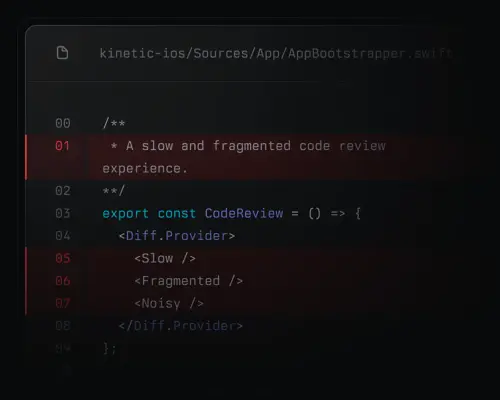
  • A close-up digital screenshot of a code editor interface on a dark, matte background.
  • A professional headshot of a smiling man with a light beard and short hair, framed within a circular crop.
  • A close-up, circular portrait shows a young East Asian man with short dark hair and thick black-rimmed glasses, grinning broadly.
  • A black-and-white circular headshot of a man with styled, dark hair and a neat goatee, looking directly at the camera with a neutral expression.
  • A minimalist, circular icon featuring a black interlocking geometric pattern on a solid white disc.
  • A luminous, three-dimensional orb glowing with a soft gradient of sky blue and cool lavender.
  • A minimalist black and white graphic icon depicting a stylized character wearing aviator goggles.
  • A close-up portrait of a woman with long, dark hair and blue eyes framed within a circular crop.
  • A close-up circular portrait shows a young man with short brown hair looking off-camera with a neutral, contemplative expression.
  • A circular portrait features a man with a dark beard and short dark hair, wearing a white button-down shirt.
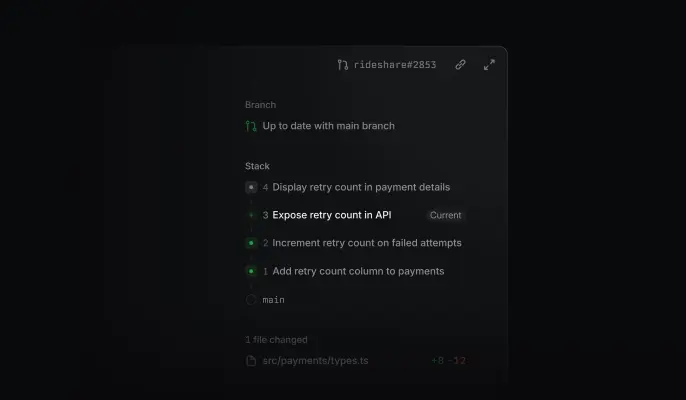
  • A dark-themed software user interface displays a development pull request for "rideshare#2853" against a black background.
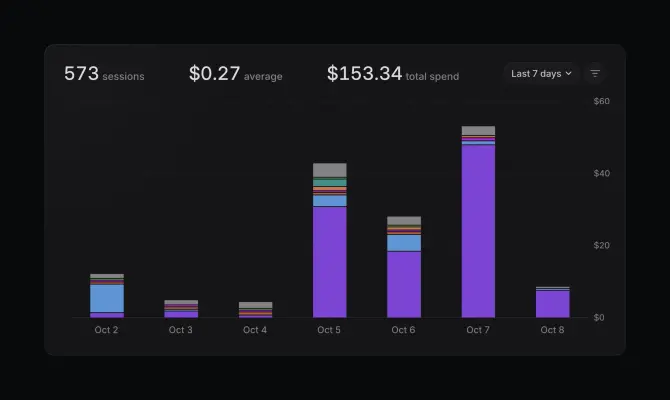
  • A dark-mode analytics dashboard displays a stacked bar chart tracking daily spending from Oct 2 to Oct 8.
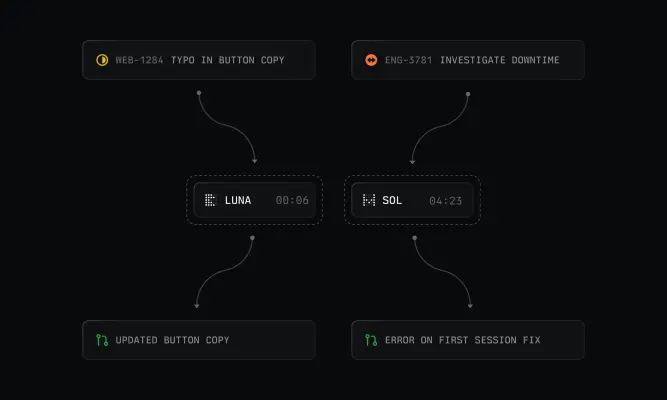
  • A dark, technical flow diagram features six rounded rectangular modules connected by thin, curved arrows against a black background.
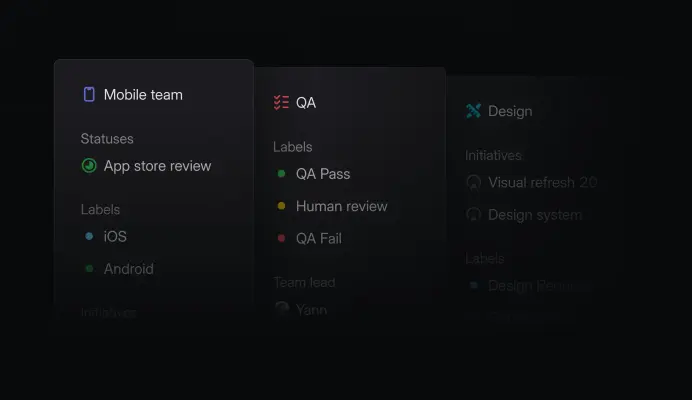
  • A dark mode software interface screenshot displays three overlapping task management columns labeled Mobile team, QA, and Design.
  • A dark-themed user interface screenshot displays a document titled '2027 Roadmap' within a nested 'Documents' folder.
  • A dark mode software interface screenshot displays a project management inbox with notification items.
  • A screenshot of a dark-themed project management interface showing a draft for 'Reliable airport pickups' with detailed problem and outcome sections.
  • A screenshot of a dark-mode software interface showing a code review for an SVG file titled "hero-illustration.svg".
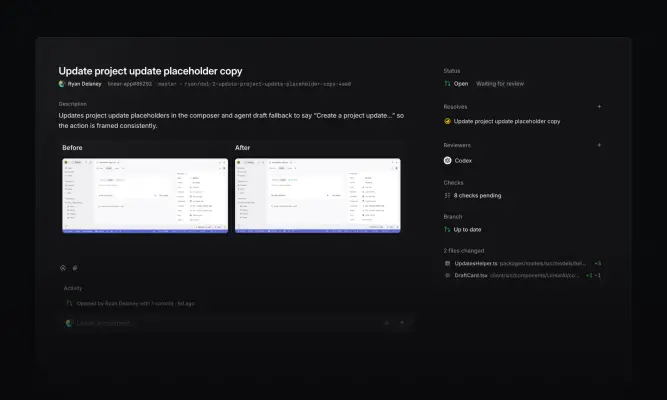
  • This screenshot displays a dark-themed project management interface for a pull request titled 'Update project update placeholder copy.' Two side-by-side…
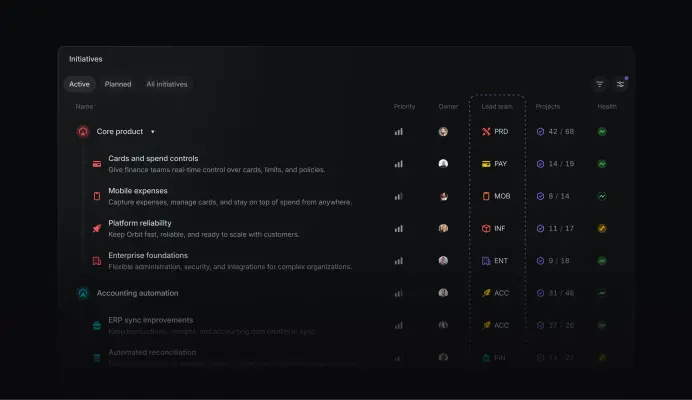
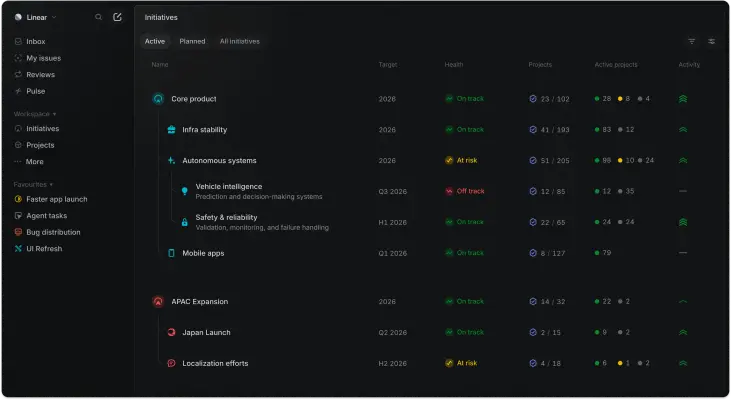
  • A dark-mode software interface screenshot displays a project management 'Initiatives' dashboard with a clean, hierarchical layout.
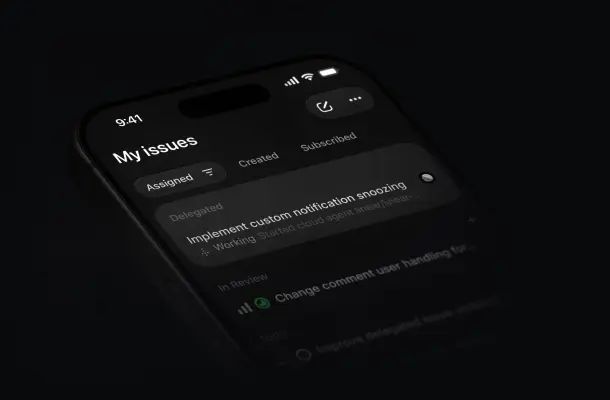
  • A close-up, angled product shot of a smartphone screen displaying a dark-mode project management app against a pitch-black background.
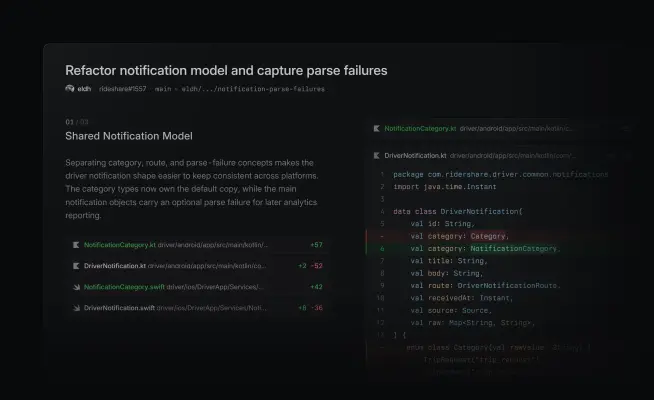
  • A screenshot of a software pull request interface in dark mode, titled "Refactor notification model and capture parse failures." The layout features a split…
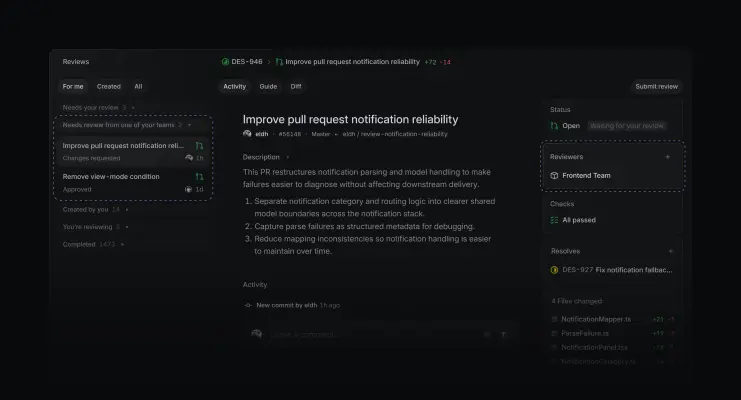
  • A dark-themed software interface screenshot shows a detailed pull request titled "Improve pull request notification reliability." The layout features three…
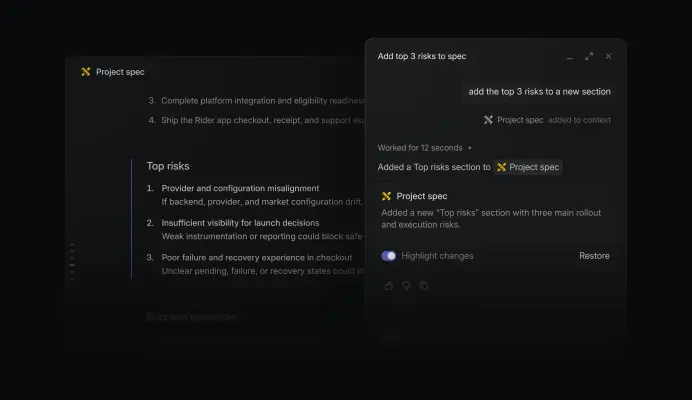
  • A dark-themed software screenshot shows an AI assistant modal overlaid on a document titled "Project spec." The chat window displays the prompt "add the top…
  • A digital UI screenshot featuring three cascading dark-themed workflow cards layered against a black background.
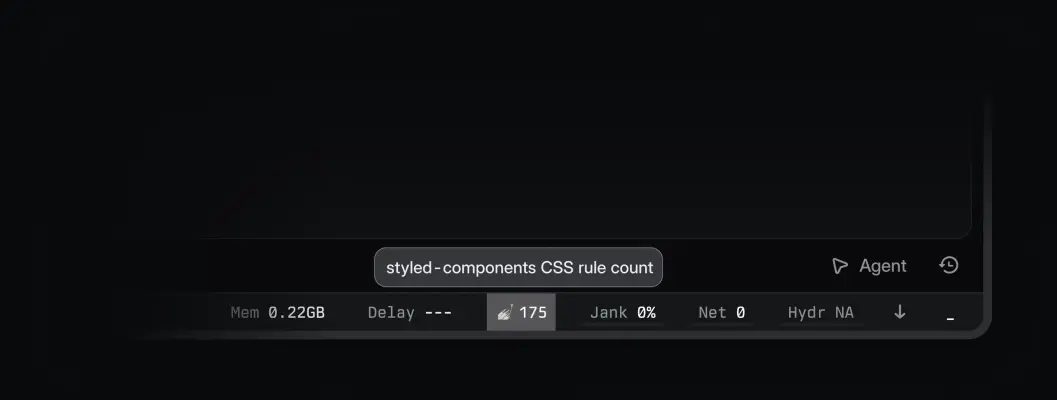
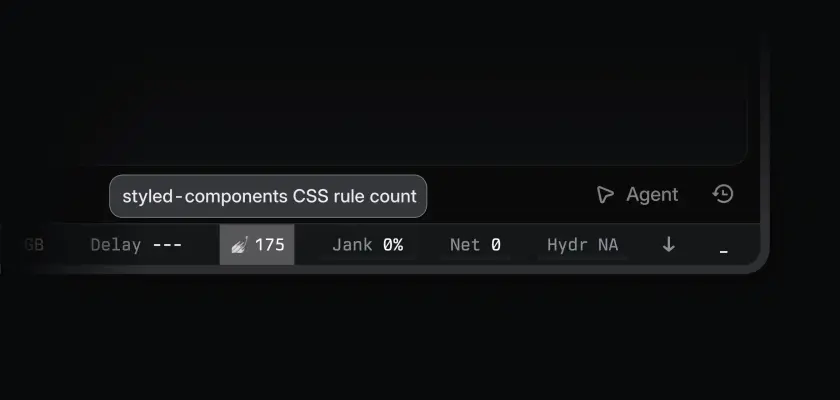
  • This screenshot shows a minimalist dark web development performance toolbar at the bottom of a screen.
  • A dark mode screenshot of a software performance dashboard featuring a tooltip that reads 'styled-components CSS rule count'.
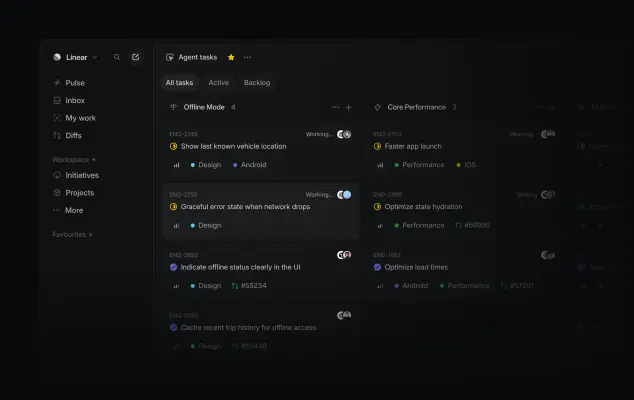
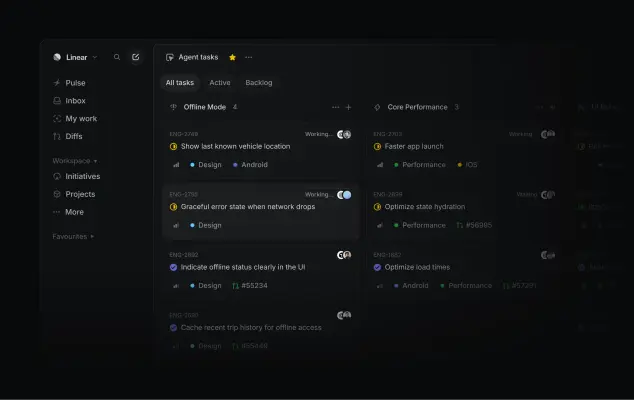
  • A dark-mode software screenshot of the Linear project management interface displays a board titled 'Agent tasks.' Engineering tickets like 'Offline Mode' and…
  • A screenshot of the Linear project management software in dark mode, showcasing an 'Agent tasks' board.
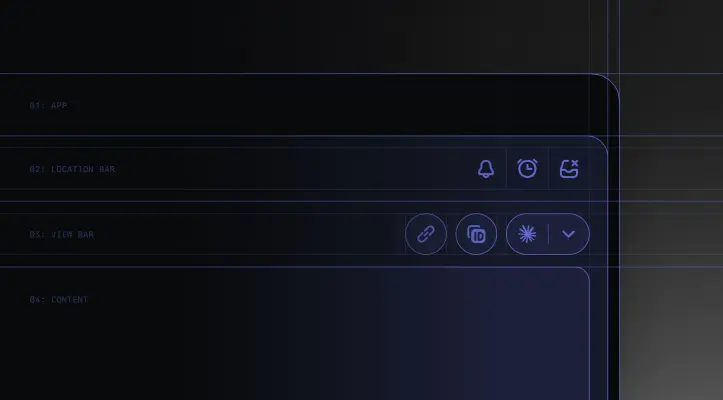
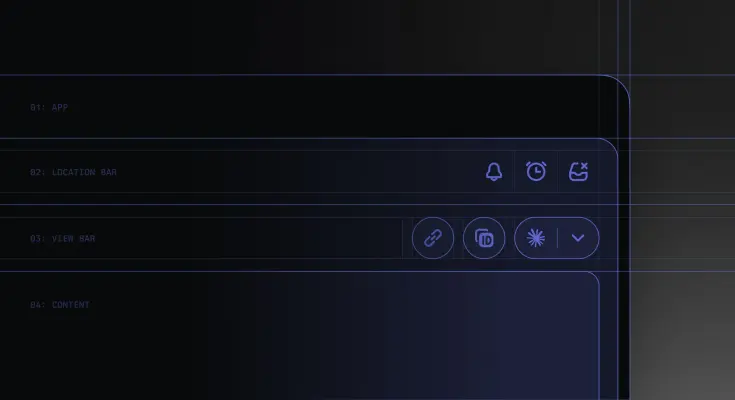
  • A detailed UI design schematic in a dark mode aesthetic features a series of stacked, rounded-corner panels outlined in glowing violet.
  • A digital blueprint graphic features thin, neon purple outlines of a user interface against a dark, shadowy background.
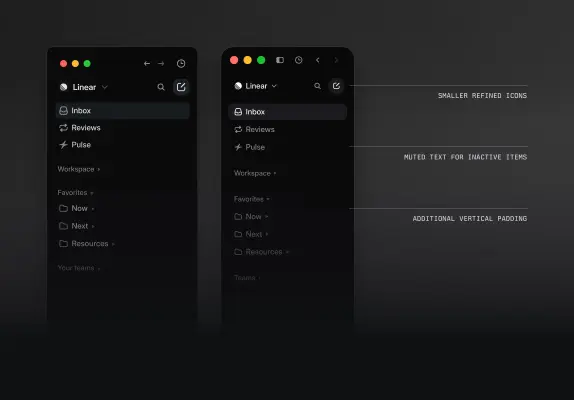
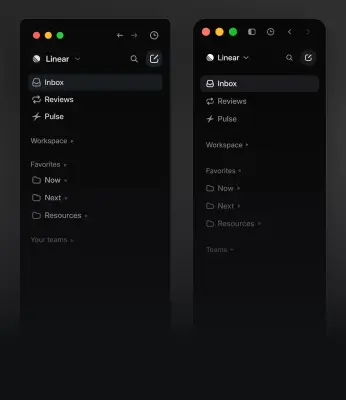
  • A side-by-side software interface comparison shows two versions of the Linear sidebar against a dark gradient background.
  • Two side-by-side screenshots show vertical navigation sidebars for the application Linear in a dark mode, minimalist interface.
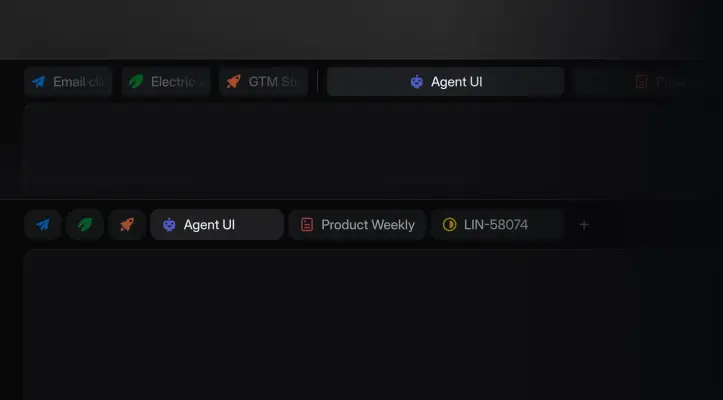
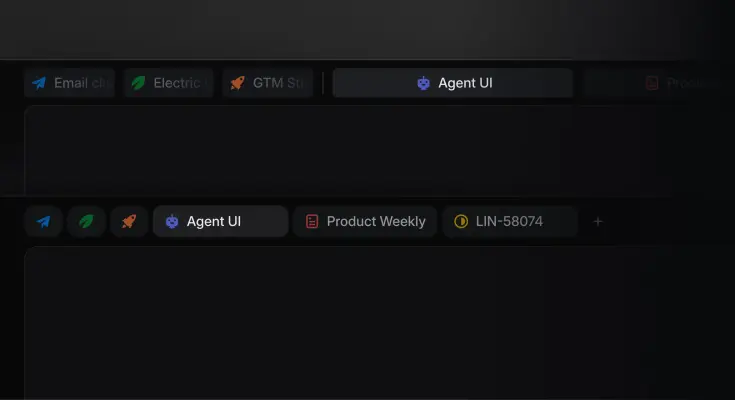
  • Two horizontal rows of dark-themed UI software tabs are stacked against a solid black background.
  • A dark, sleek interface screenshot features a series of rounded pill-shaped tabs set against a charcoal background.
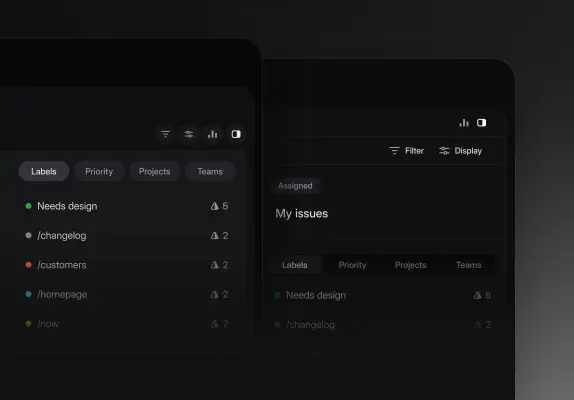
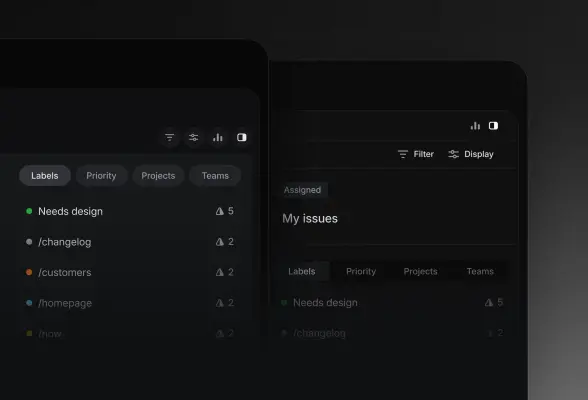
  • This graphic features two overlapping dark-themed software interfaces in a close-up, tiered perspective.
  • Two overlapping dark-themed project management interface windows are layered against a moody black and grey background.
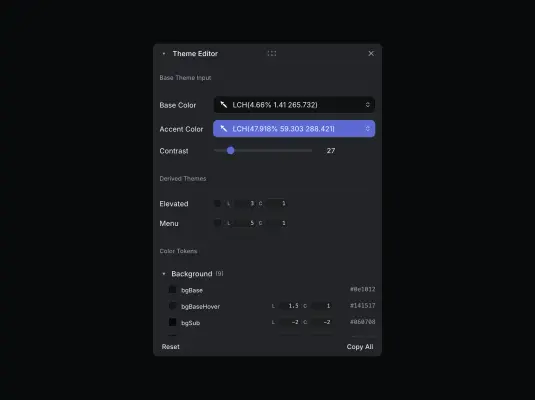
  • A software screenshot displays a dark-mode Theme Editor interface centered against a black background.
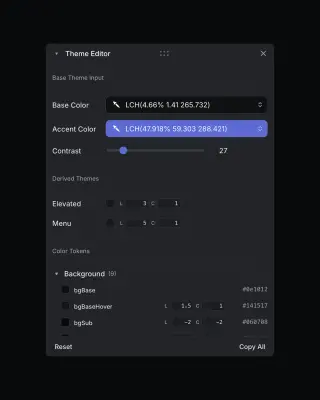
  • A screenshot of a dark-mode digital Theme Editor UI panel floating against a black background.
  • A soft, ethereal gradient graphic featuring a blend of pastel cyan, sky blue, and lavender.
  • A high-contrast, black and white portrait features a young East Asian man wearing a dark baseball cap and black-framed glasses.
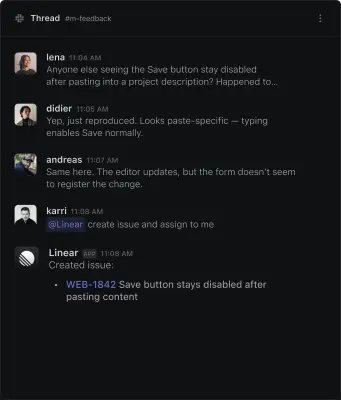
  • A screenshot of a Slack thread in dark mode within the #m-feedback channel, showing a technical discussion about a software bug.
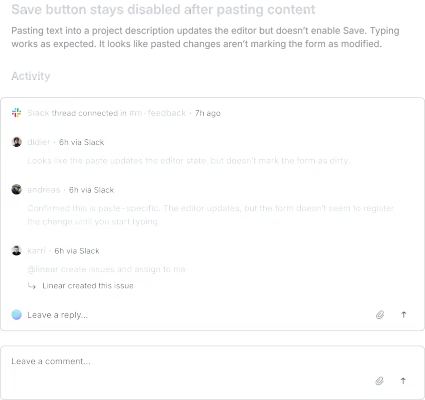
  • A dark-themed software interface screenshot illustrates a bug report titled 'Save button stays disabled after pasting content.' Below the header, an Activity…
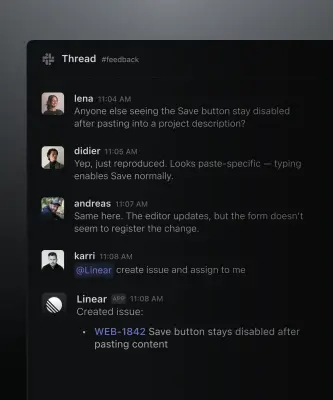
  • A screenshot of a Slack thread in dark mode titled #feedback showing a collaborative technical discussion about a software bug.
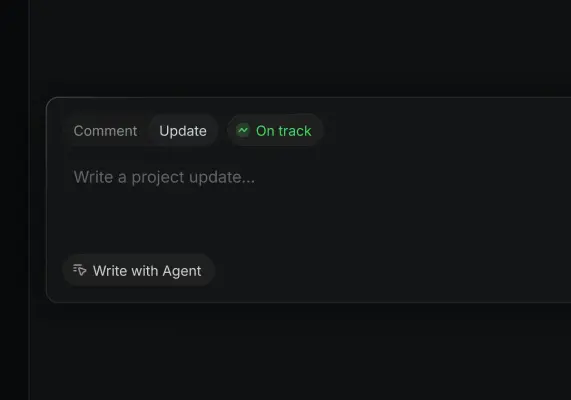
  • A close-up dark mode screenshot of a project management interface shows a gray text box with rounded corners.
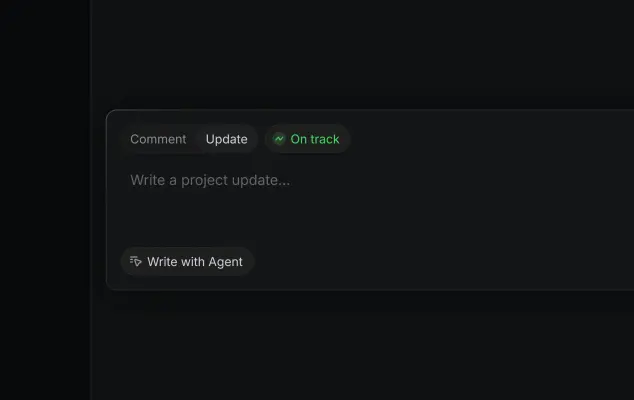
  • A dark mode software interface shows a project update text entry box.
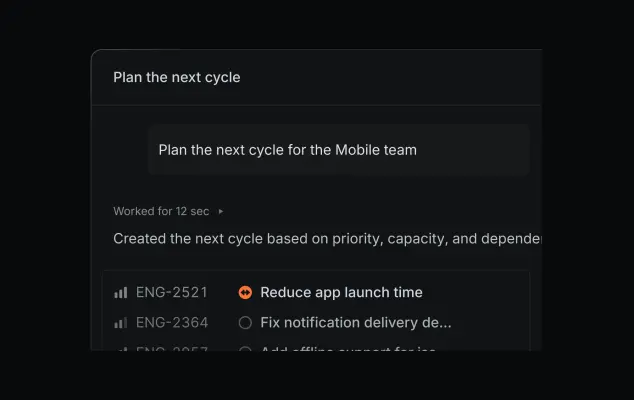
  • A dark-themed software interface shows an automated project planning tool titled 'Plan the next cycle'.
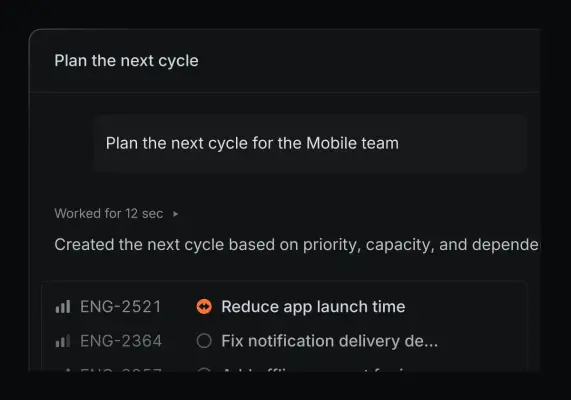
  • A dark-themed software UI screenshot displays an AI-assisted planning interface.
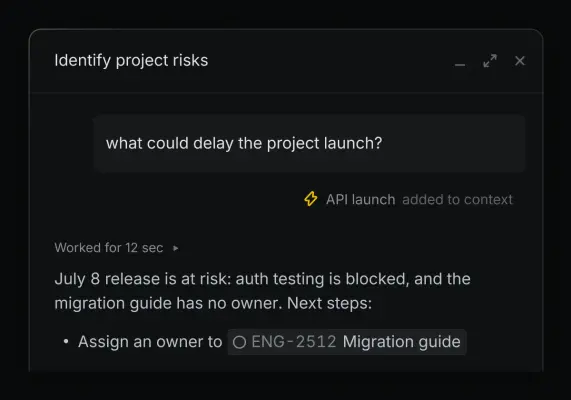
  • A dark-themed software UI modal titled 'Identify project risks' shows an AI interaction for project management.
  • A dark-themed software user interface shows a project management tool window titled "Identify project risks" with a central query asking, "what could delay…
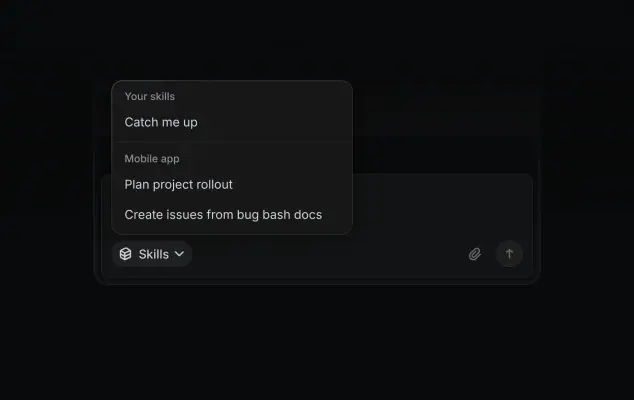
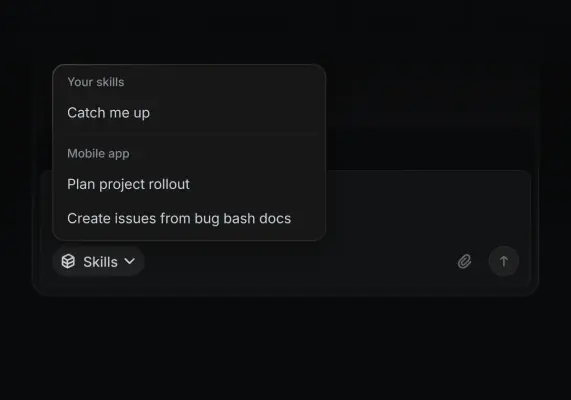
  • A software user interface screenshot in dark mode features an open 'Skills' menu overlaying a message input box.
  • A dark-mode software interface screenshot displays an open Skills menu over a chat input field.
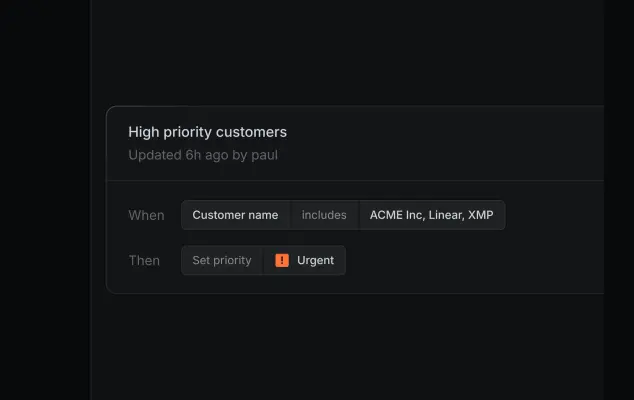
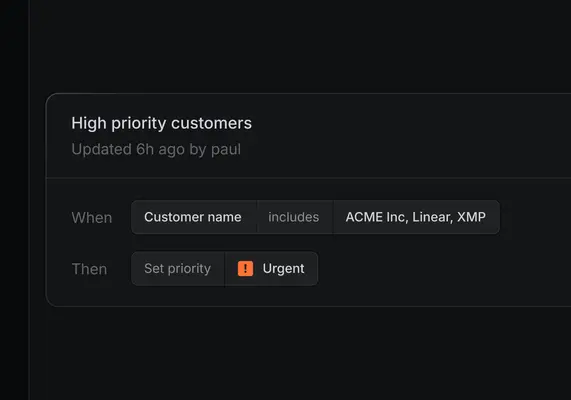
  • A dark-themed user interface screenshot showing a customer priority rule titled "High priority customers" updated by paul.
  • A dark-themed user interface screenshot of a workflow automation rule titled "High priority customers" updated by paul.
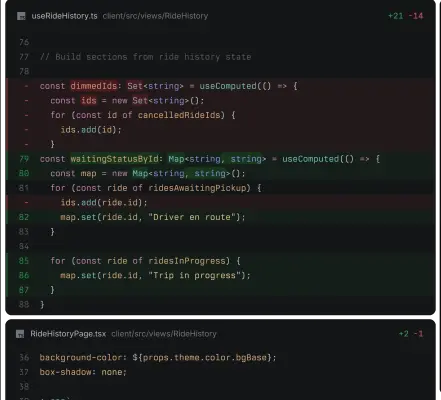
  • A dark mode code diff screenshot displays changes to TypeScript files userRideHistory.ts and RideHistoryPage.tsx.
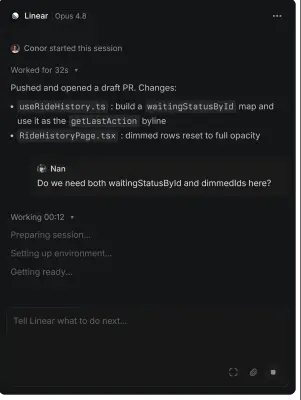
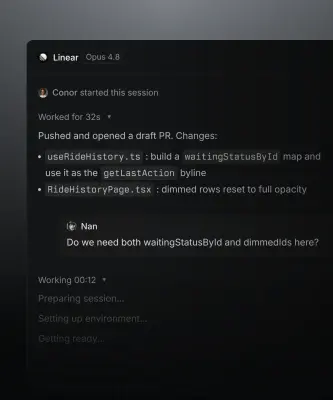
  • A screenshot of the Linear app's dark mode interface showing an active development session by user Conor.
  • A dark-mode screenshot of a software interface labeled 'Linear Opus 4.8' detailing a coding session.
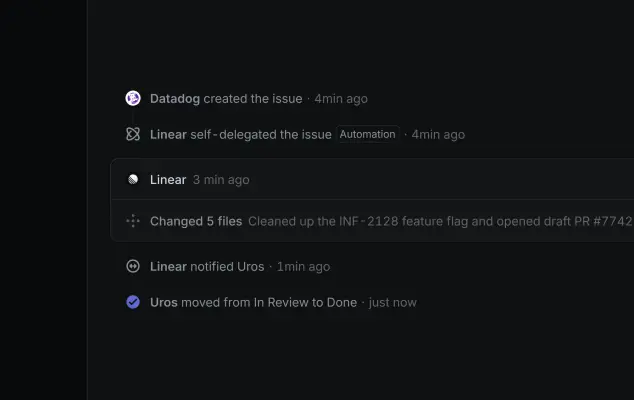
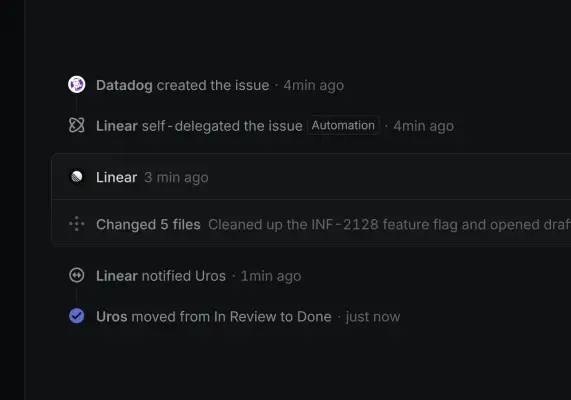
  • A dark-mode software interface screenshot displays a vertical activity timeline of issue updates and pull requests.
  • A screenshot of a software project timeline displays a vertical activity log on a dark interface.
  • A screenshot of a dark-themed software interface showing an AI chat prompt centered on the screen.
  • A dark mode software interface screenshot features an AI prompt box being populated with text.
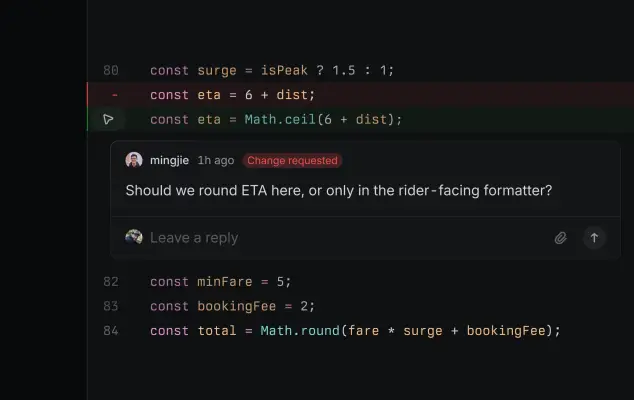
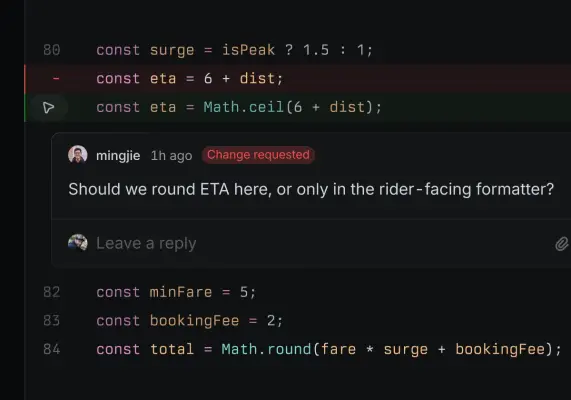
  • This screenshot displays a code review interface in a dark-themed integrated development environment (IDE).
  • A close-up screenshot of a dark-mode code review interface showing a diff and a comment.
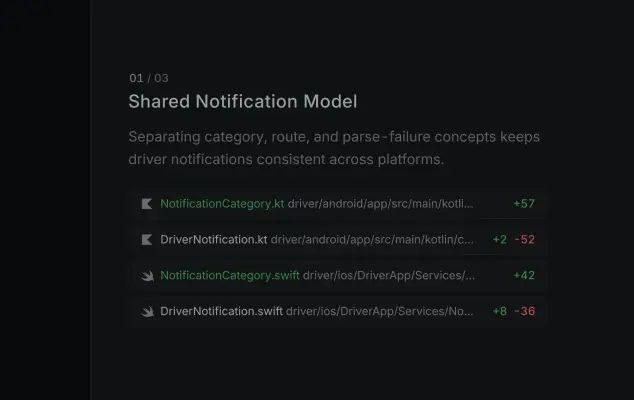
  • A dark-themed interface graphic titled "Shared Notification Model" lists file changes for driver notifications.
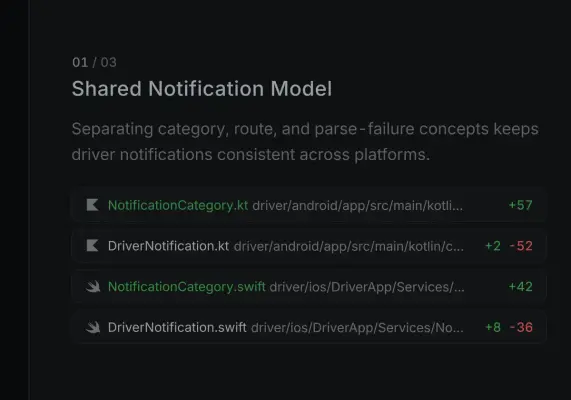
  • A dark-themed screenshot displays a technical slide titled 'Shared Notification Model' with the index '01 / 03'.
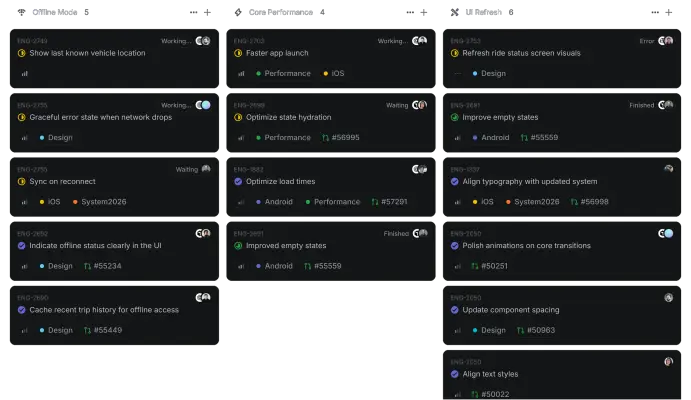
  • A screenshot of a project management dashboard in dark mode, organized into three columns titled 'Offline Mode,' 'Core Performance,' and 'UI Refresh.'…
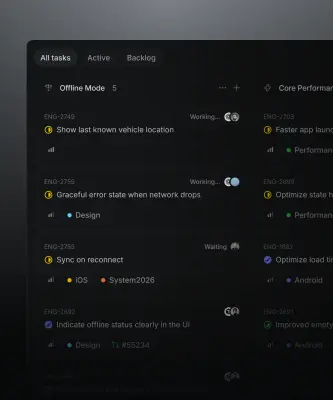
  • A close-up software screenshot shows a dark-themed project management dashboard with rounded task cards under a heading for "Offline Mode".
  • A dark, monochromatic graphic featuring a grid of rounded square tiles, each containing a white application icon.
  • A digital graphic featuring a grid of rounded, dark gray tiles displaying various software integration icons in white and light gray.
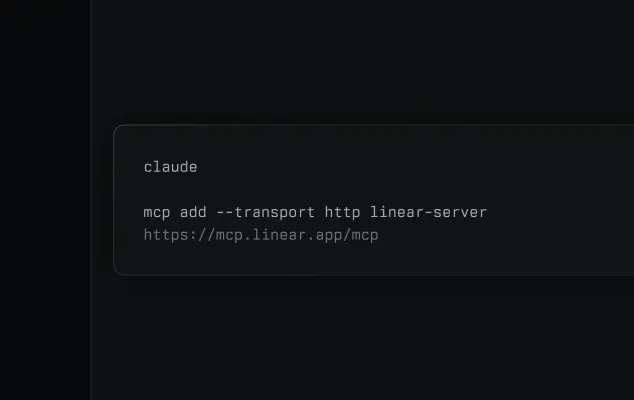
  • A screenshot of a terminal-style command box centered on a dark charcoal background.
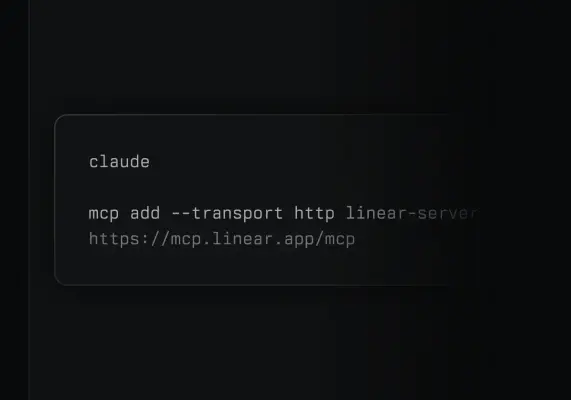
  • A clean screenshot of a dark terminal window features white monospaced text on a black background.
  • A dark-mode software interface for the Linear application displays an 'Initiatives' dashboard with a hierarchical roadmap.
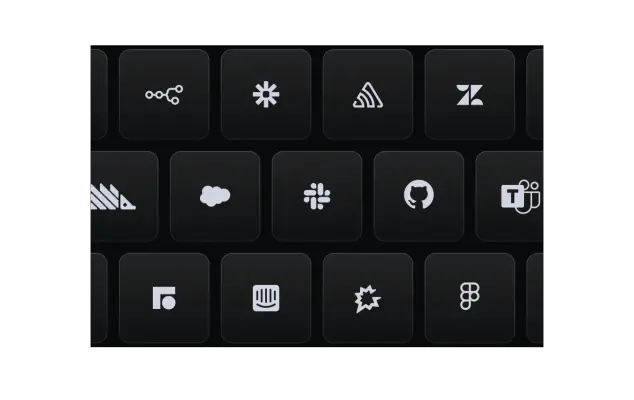
  • A close-up digital graphic displays a dark keyboard where each matte black key features a white tech logo instead of letters.
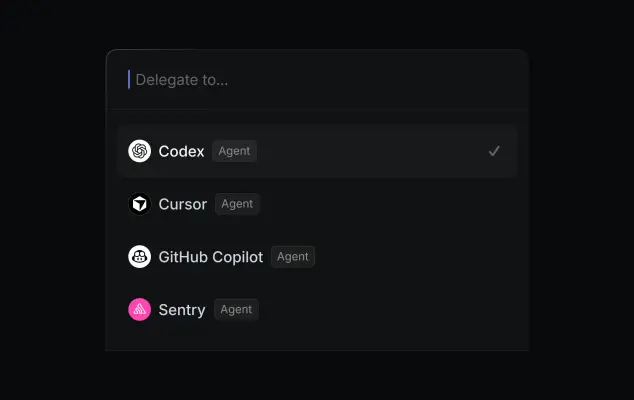
  • A dark mode software interface screenshot shows a 'Delegate to...' dropdown menu with a list of selectable AI agents.
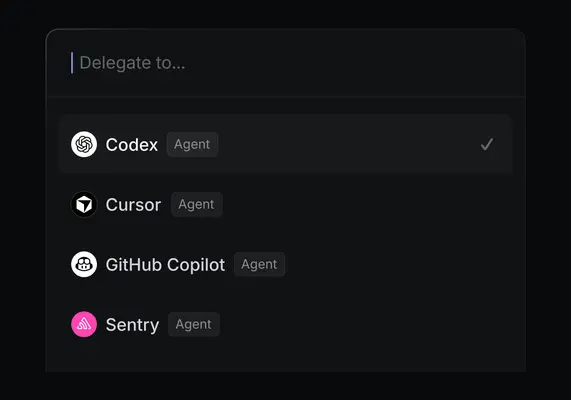
  • A screenshot of a dark-themed digital menu interface titled "Delegate to..." with a list of AI integration options.
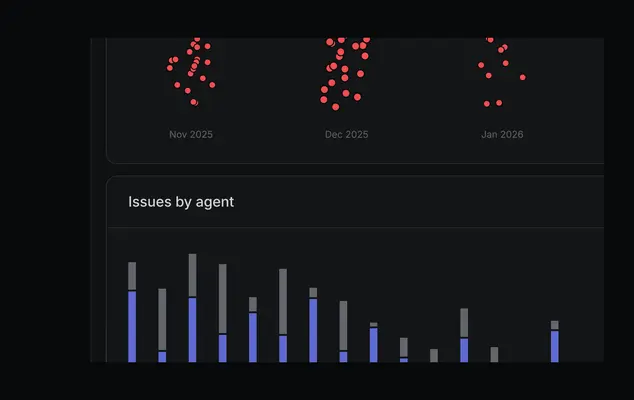
  • A dark-mode analytics dashboard displays two data visualizations.
  • This dark-themed UI screenshot features a data dashboard with red dot clusters and a bar chart.
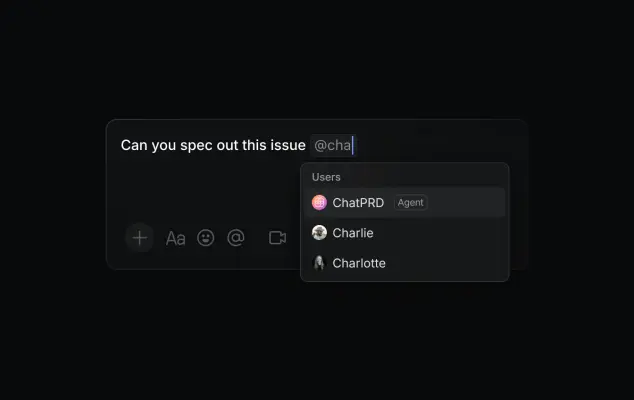
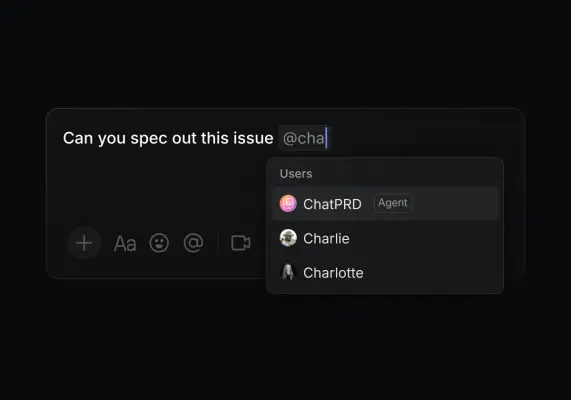
  • A dark mode software interface screenshot showing a message input box with the typed text "Can you spec out this issue @cha".
  • A screenshot of a dark-mode chat interface showing a user typing the prompt, "Can you spec out this issue @cha".
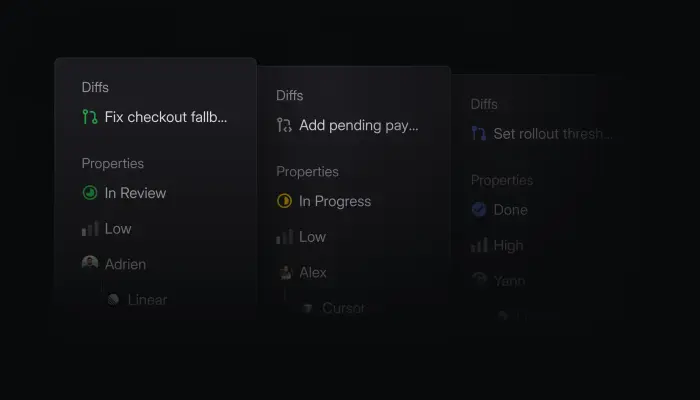
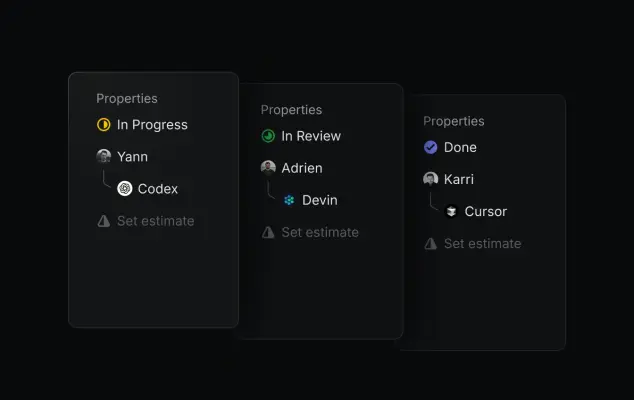
  • A dark UI graphic features three overlapping task property cards arranged in a staggered horizontal row.
  • A digital UI graphic displays three dark, translucent 'Properties' panels stacked horizontally with a slight overlap.
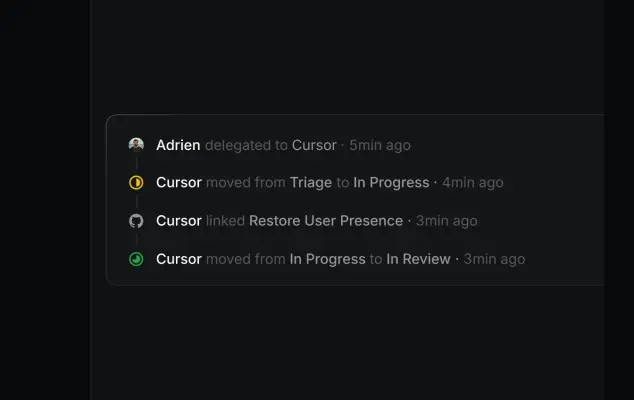
  • A screenshot showing a vertical timeline of project management activity on a dark background.
  • A vertical activity timeline screenshot displayed on a dark background within a rounded UI card.
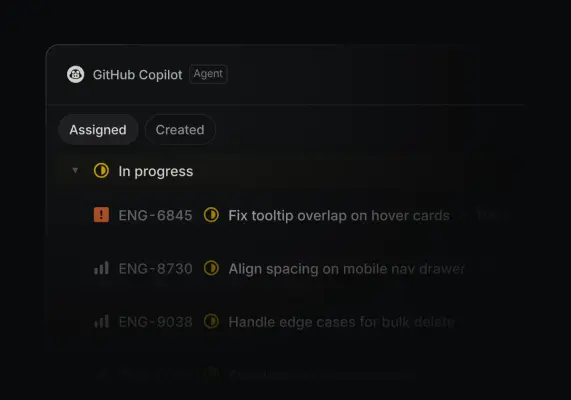
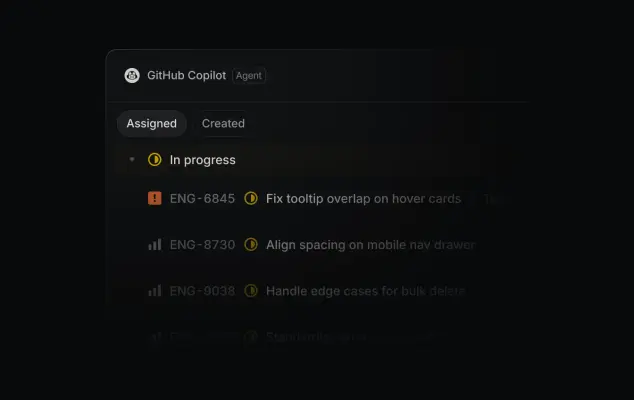
  • A screenshot of a dark-mode software interface for GitHub Copilot Agent showing an issue tracking list.
  • A dark mode software interface screenshot displays a GitHub Copilot Agent dashboard with a list of active engineering tasks under an 'In progress' heading.
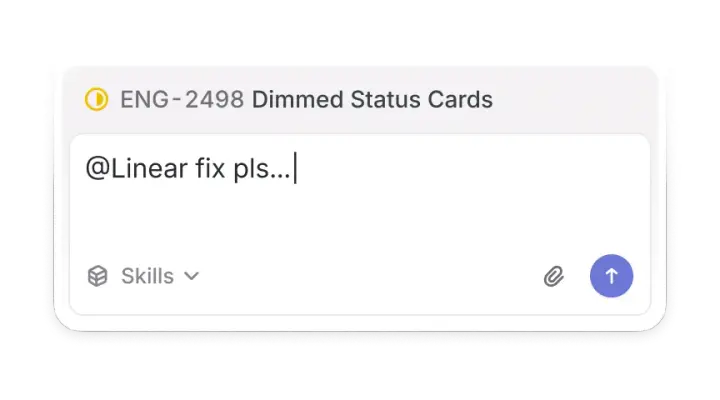
  • A close-up software screenshot displays a rounded light grey card containing a task titled 'ENG-2498 Dimmed Status Cards' next to a yellow circle icon.
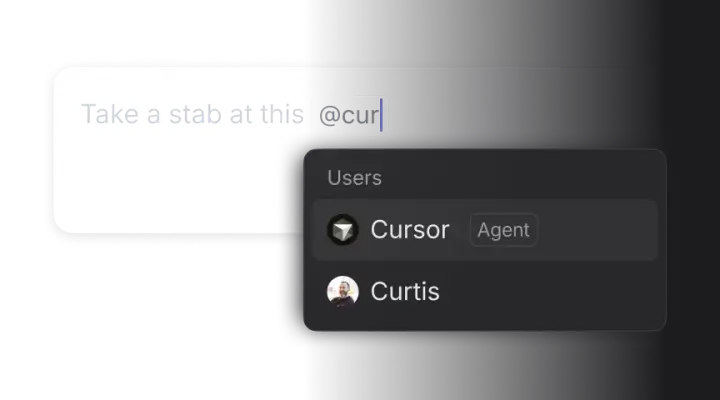
  • A close-up UI graphic depicts a user interface for mentioning team members in a chat.
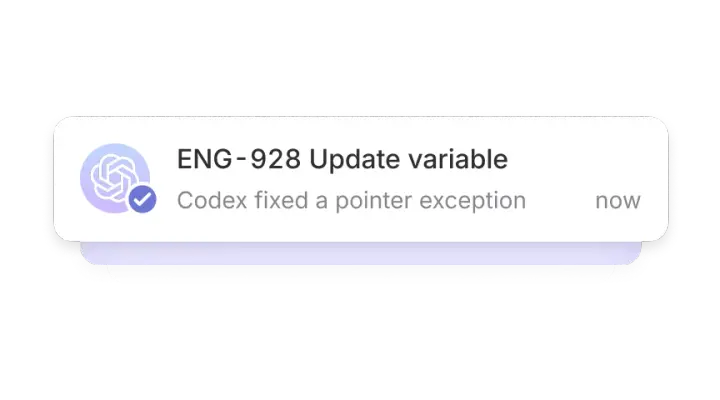
  • A digital UI notification graphic styled as a white, rounded pop-up card stacked over soft lavender and dark gray layers.

Download Linear’s Brand Skill

A Brand Skill is a folder of brand guidance written for agents. Give it to Claude, ChatGPT, Cursor or another agent and ask it to follow Linear’s guidelines. It starts at SKILL.md, which points to the right file for each task.
It has the guidance, 125 images and the logos. The font files belong to Linear Orbit, Inc, so they’re left out.
linear-brand-skill/

├ SKILL.md

├ README.md

├ references/

│ ├ colors.md

│ ├ dos-and-donts.md

│ ├ logo.md

│ ├ typography.md

│ ├ visual-design.md

│ ├ voice.md

│ └ product-imagery.md

└ assets/

├ images/

└ logos/

Rainbrand’s Brand Agent built this Brand Skill from linear.app on 30 Oct 2026. It isn’t Linear’s official guide. Reviewed by Siddharth Borderwala, Founding Engineer at Rainbrand.

Linear and its logos are trademarks of Linear Orbit, Inc. Rainbrand isn’t affiliated with or endorsed by Linear Orbit, Inc.
Make one for
your brand.

Add Rainbrand to your agent and give it your website, brand guide or files. Rainbrand builds a Brand Skill like this one and keeps it up to date.
  1. Open the Rainbrand plugin and add it.

    Open Rainbrand plugin (opens in a new tab)
  2. Connect your Rainbrand account when asked. It works in ChatGPT and in Codex.

See all brands